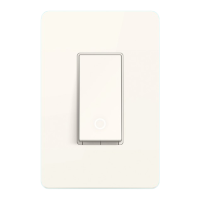
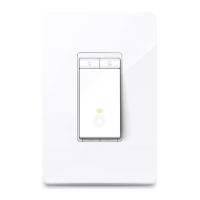
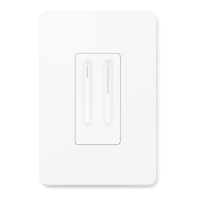
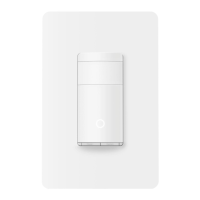
Specications
Safety Notice
Before installing, servicing or removing the switch, read and
follow all safety precautions including the following:
• CAUTION – Risk of Electric Shock – More than one
disconnect switch may be required to de-energize the
equipment before servicing. A circuit breaker which
disconnects the Line and Neutral conductor simultaneously is
suitable. Ensure power is o at the circuit breaker before
removing or installing any switch. Use a non-contact voltage
tester to ensure the power is o.
• The Smart Switch must be installed and used in accordance
with the National Electric Code (NEC) or your local electrical
code. If you are unfamiliar with these codes and requirements,
or are uncomfortable performing the installation, consult a
qualied electrician.
• Do not install the Smart Switch with wet hands or when standing
on wet or damp surfaces.
• Install only in a suitable UL Listed outlet box (suitable
dimensions:
H > 2.95 in./75 mm, W > 3.68 in./93.5 mm, D > 1.65 in./42 mm).
Rating: 100-120V~ 50/60Hz
Max Load (Each Gang): 15 A General Use
600 W Incandescent/Halogen, 1/6HP Motor
In-Wall Depth: 0.98 in (25 mm)
Operation temperature: 0~40℃
Method of mounting included: Independently mounted
(Vertically position only);
Operating control, Type 1.C action
Pollution Degree 2, Rated Impulse Voltage 2500V
Software Class A, NEMA Type 1
Haute tension : débranchez l'alimentation électrique au
niveau du disjoncteur avant l'utiliser
High Voltage-Disconnect power supply at the circuit breaker
before servicing
CAUTION
MISE EN GARDE
Kasa works with Alexa, Google Assistant, and other
third-party services to control your switch by voice.
Go to Me > Third-Party Services in the Kasa
Smart app to integrate the third-party services.
For step-by-step setup instructions, please visit:
• Google Home Assistant:
https://www.tp-link.com/support/faq/1534/
• Amazon Alexa:
https://www.tp-link.com/support/faq/944/
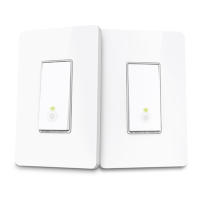
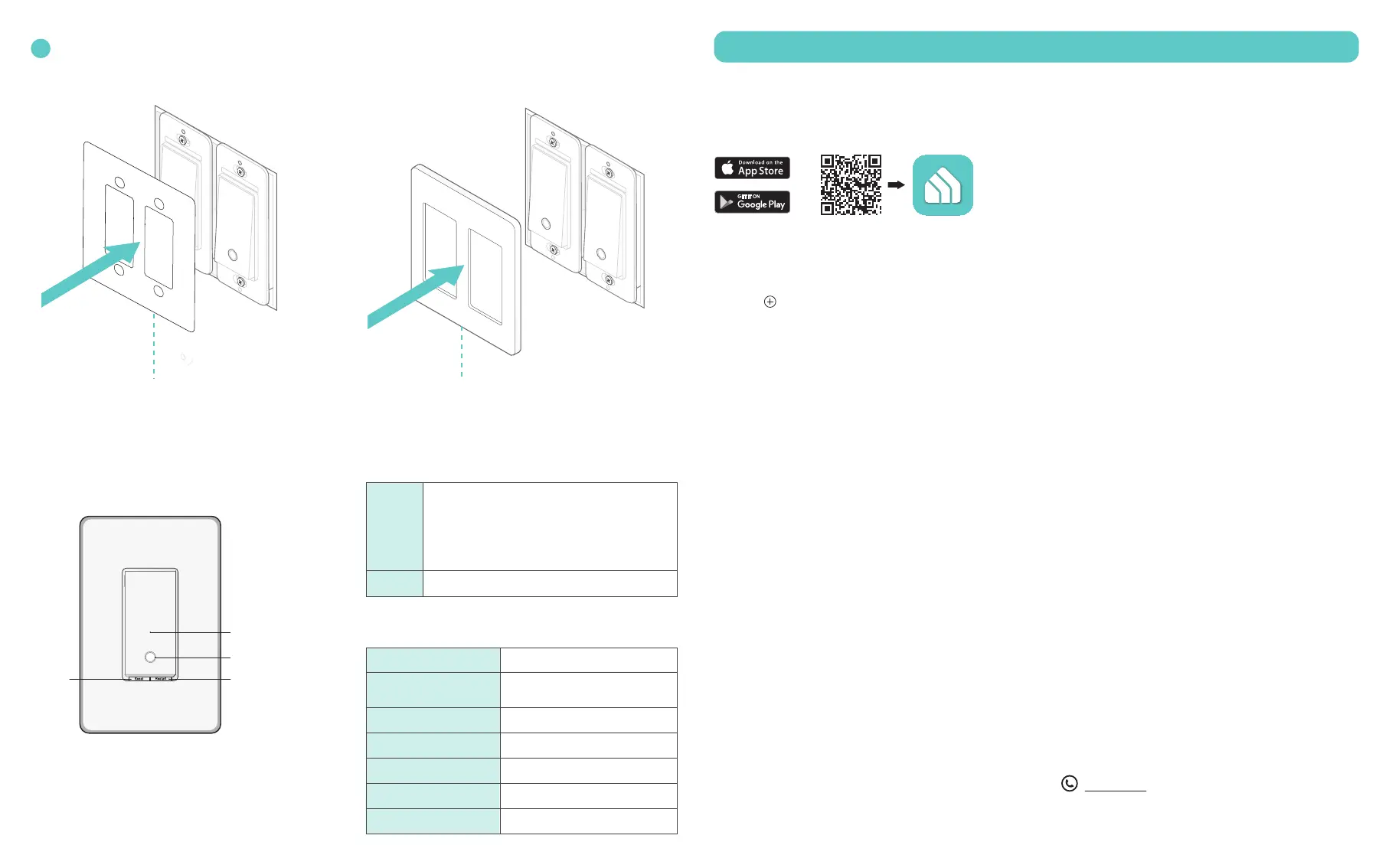
Use the provided mounting template to help line up the two switches with the mounting holes. Then tighten
the screws. Set the mounting template aside and attach the wallplate.
You can turn on the circuit breaker and turn on the lights to check your work.
7
1. Set up the rst switch:
Tap the button in the app and select Smart
Switches > Smart Switch (Wi-Fi). Then follow the app
instructions to complete setup.
2. Set up the second switch following the same steps.
Set Up Your Switch
Get the Kasa Smart app from the App Store or
Google Play.
DOWNLOAD APP THIRD-PARTY SERVICES
ADD TO KASA
OR
For technical support, the user guide and other
information, visit https://www.tp-link.com/support/.
Support
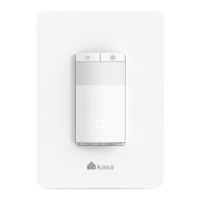
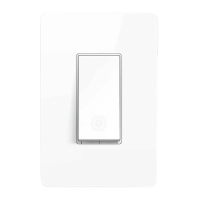
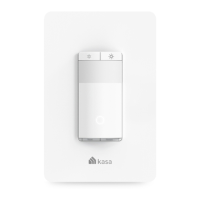
Appearance Button Explanations
Restart
Reset
Press and hold for about 5s until the LED blinks
amber and green to reset Wi-Fi while keeping
other settings.
Press to restart your switch.
Press and hold for about 10s until the LED blinks
amber to restore factory default settings.
LED Status
Starting up.Solid amber
Blinking amber
Blinking green
White
Solid red
Solid green for 30s
Blinking amber & green
Connecting to Wi-Fi.
Device resetting.
Light fixture is off.
Disconnected from Wi-Fi.
Connected to Wi-Fi.
Switch Button
Restart
LED
Reset
Ready for setup;
Resetting Wi-Fi.
Recommended Load Types:
LED: ≤ 100W Ceiling Fan: ≤ 120 W
Mounting Template Wallplate


 To Previous Page
 Loading...