36
Chapter 5 Secure Your Network
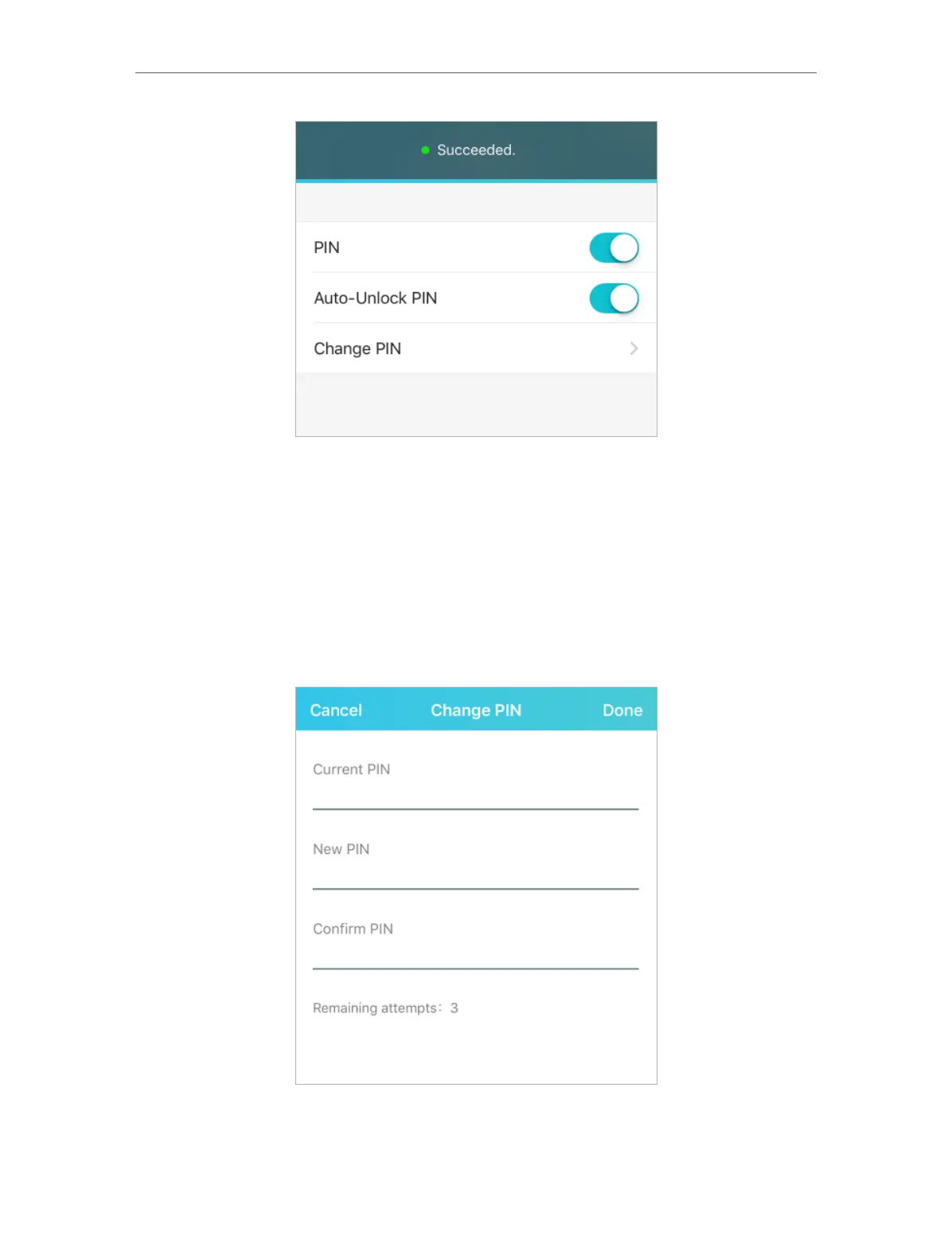
4. Once enabled, you can save the trouble of entering the PIN code on your
Mobile Wi-Fi upon power-on.
• To reset PIN code:
1. Open your tpMiFi app and log in with the password you set.
2. Go to Tools > Internet Settings > PIN Management and enable PIN.
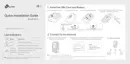
3. Tap Change PIN.
4. Enter the current PIN code and then enter a new PIN code twice.
5. Tap Done.
6. Use the new PIN code for future PIN verifications.



 To Next Page