2
English
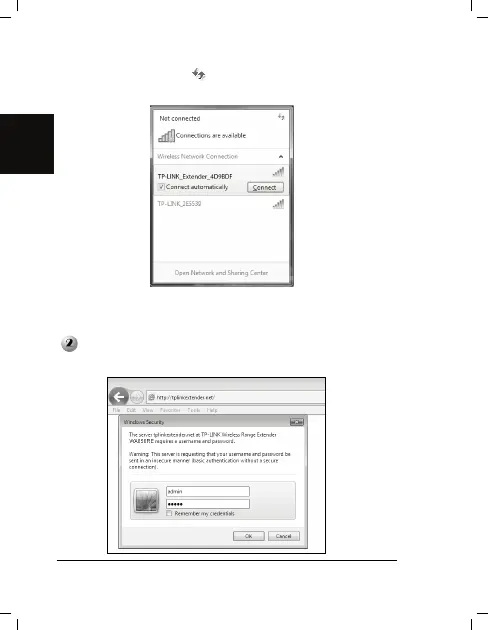
2) Click the refresh button and then select the default SSID of
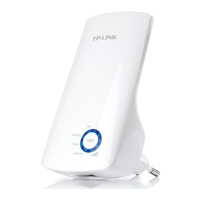
TL-WA850RE (TP-LINK_Extender_XXXXXX). Click Connect.
3) When Connected appears behind the SSID of TL-WA850RE, you’ve
successfully connected to it. Only with successful connection, can you go
log in TL-WA850RE.
Open your web browser and type tplinkextender.net in the address
bar. Then enter admin for both user name and password to log in.


 To Next Page