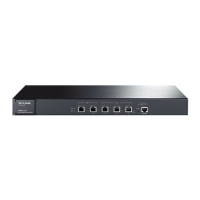
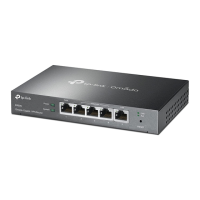
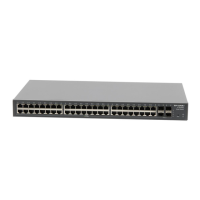
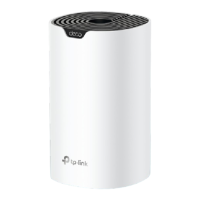
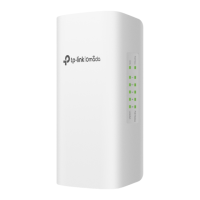
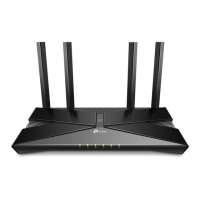
The User Guide of this product is provided in the resource CD. To obtain the latest
product information, please visit the Official Website:
http://www.tp-link.com
This Installation Guide describes the hardware characteristics, installation methods
and the points that should be attended to during installation. This Installation
Guide is structured as follows:
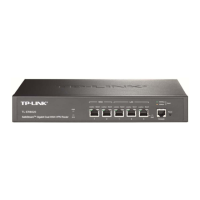
Chapter 1 Introduction. This chapter describes the External Components of
the Router.
Chapter 2 Installation. This chapter illustrates how to install the Router.
Chapter 3 Lightning Protection. This chapter illustrates how to prevent
lightning damage.
Chapter 4 Connection. This chapter illustrates how to do the physical connec-
tion of the Router.
Chapter 5 Configuration. This chapter illustrates how to login and set up the
Router.
Appendix A Troubleshooting.
Appendix B Hardware Specifications.
Appendix C Technical Support.
This Installation Guide is for:
Network Engineer
Network Administrator
This Guide uses the specific formats to highlight special messages. The following
table lists the notice icons that are used throughout this guide.
Remind to be careful. A caution indicates a potential which may result in
device damage.
Remind to take notice. The note contains the helpful information for a
better use of the product.
Related Document


 To Next Page
 Loading...