13
Power Up Your Camera
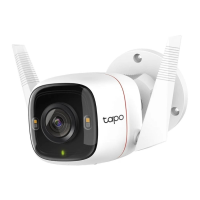
After installing your camera, follow the steps below to power up your camera.
1. Firmly plug in the power connector to the power port of the camera, and ensure no gap exists.
Note:
When plugging in the power connector, you may feel the resistance from the silicon cork inside the power port because of the waterproof design. It is necessary to plug in rmly
until there is no gap between them.
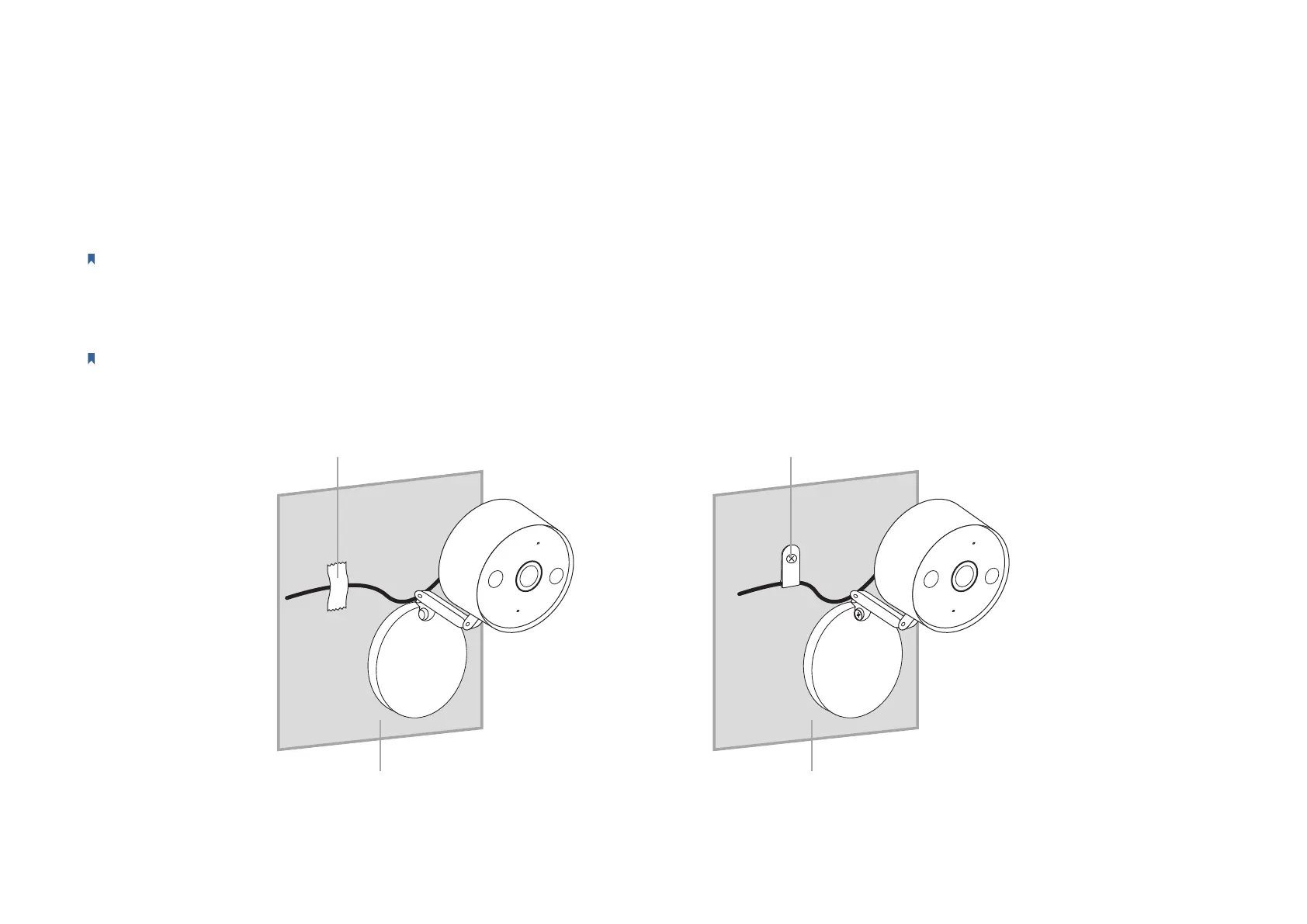
2. Fix the power cord with adhesive tape or the provided cable clamp and screw.
Note:
To ensure a rm connection, x the power cord at a distance of about 25 cm away from the power connector.
Metallic Surface Wall
Adhesive Tape Cable Clamp & Screw







 To Next Page