3
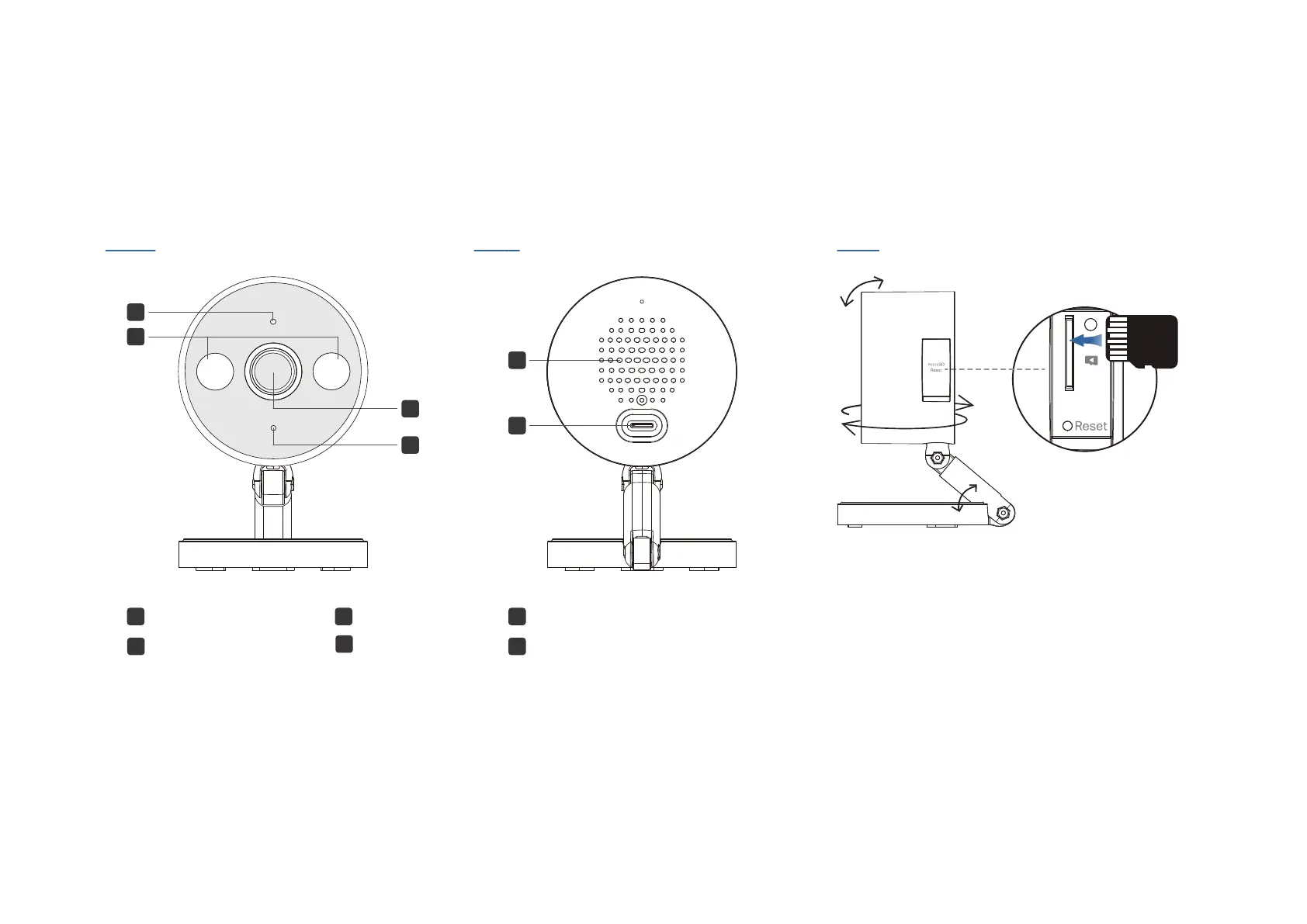
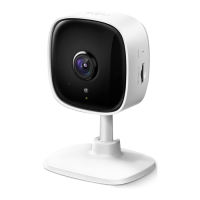
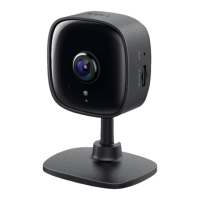
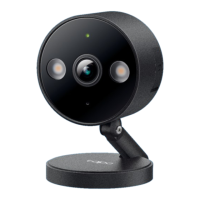
Appearance
5
Back
Front
5
Speaker
6 USB Type-C Power Port
1
2 White Light LEDs
System LED
4
Microphone
3
Lens
3
4
1
2
6
Side
microSD Card Slot
Open the cover. Insert a microSD card (not included) and initialize
it on the Tapo app for local recording.
Reset
Open the cover and nd the reset button.
• Use a pin to press and hold for 5s: Reset Wi-Fi settings
• Use a pin to press and hold for 10s: Reset to factory setting
microSD
Adjust View
Tilt and rotate the camera and stand for your desired viewing angle.



 To Next Page