12
Mount Your Camera
When you nish setting up your camera in the Tapo app, you can follow the steps below to mount the camera. For the setup video, please refer to
https://www.tp-link.com/support/setup-video/#cloud-cameras.
Note: You can always get detailed mounting instructions in the Tapo app.
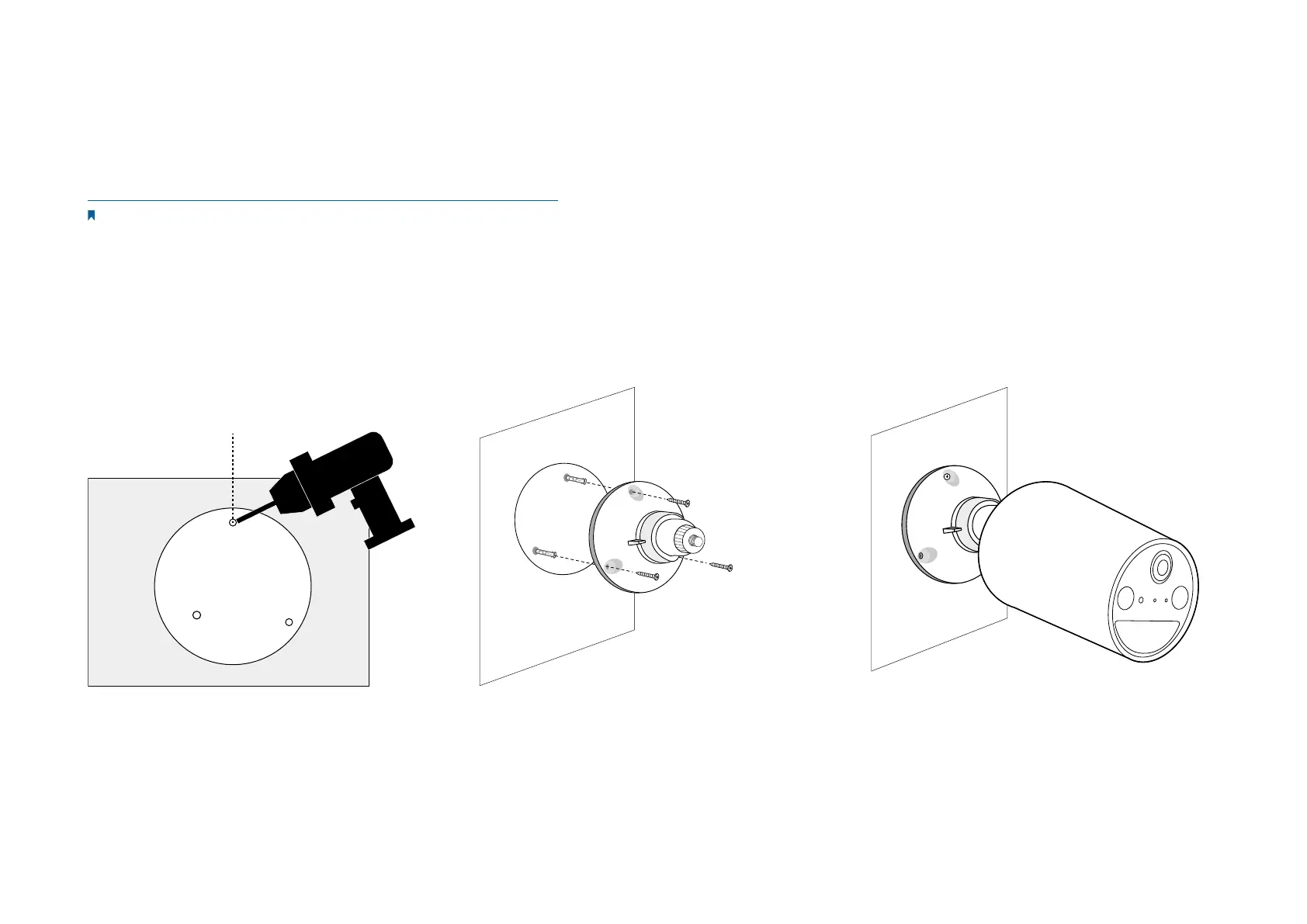
1. Drill Holes
Stick the mounting template to the desired
mounting place. Drill 3 holes according to the
template.
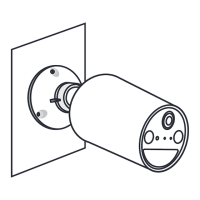
2. Install the Bracket
Insert three anchors into the holes and use the
screws to ax the bracket over the anchors.
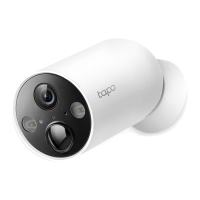
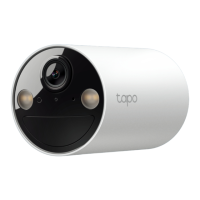
3. Install the Camera
Install the camera on the mounting bracket,
and adjust the camera angle.



 To Next Page