13
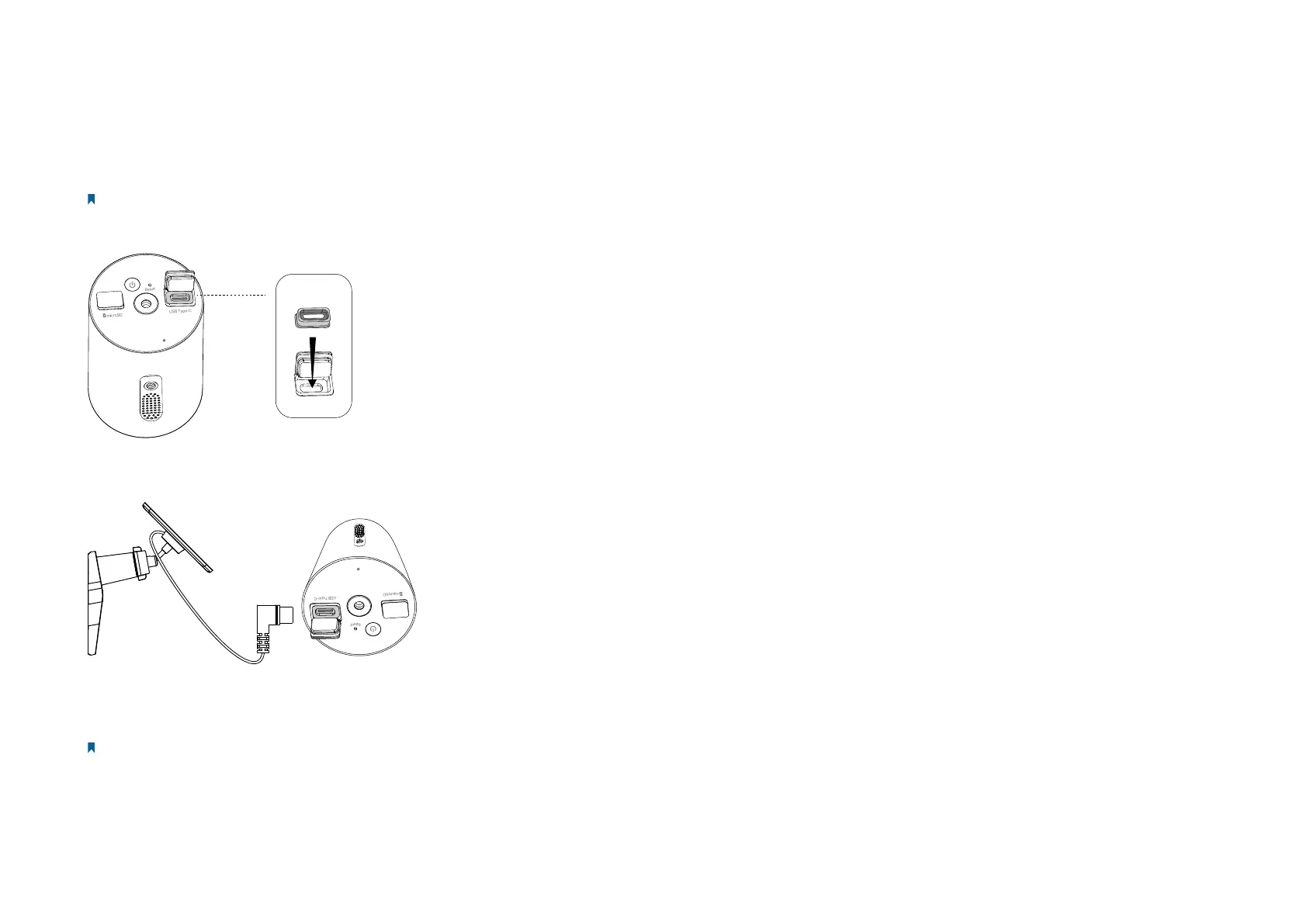
Work with Tapo Solar Panel
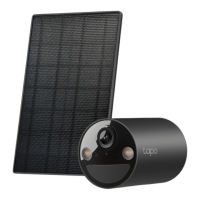
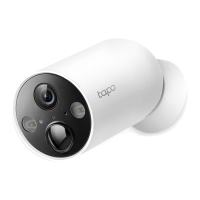
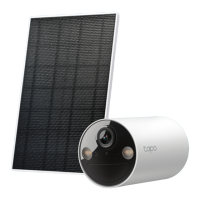
The Tapo Solar Panel charges your Smart Wire-Free Indoor/Outdoor Security Camera continuously.
Note: When using a dierent Tapo solar panel to charge this camera, please refer to https://www.tp-link.com/support/faq/3800/
1. Install the waterproof gasket to the charging port of your camera.
2. Connect the solar panel by inserting the connector with the black ring into the USB adpater until snug. Then connect the USB adpater to the
charging port of your camera.
If you don’t yet have a Tapo Solar Panel, charge the rechargeable battery with a standard and high-quality DC 5V/2A battery charger. Keep
the charging port rmly covered when fully charged.
Note:
1. When using a dierent Tapo solar panel to charge this camera, please refer to https://www.tp-link.com/support/faq/3800/
2. If you use a third-party solar panel to charge this camera, we cannot guarantee the waterproof performance.



 To Next Page