3
2
St Up
1. Get the Tapo app from the App
Store or Google Play.
2. Press an d hold the power button
on your camera for about 3
seconds to turn it on.
3. Tap the
button in the app and
select your camera model. Follow
app instructions to complete
setup.
1
Charg th Battry
Fully charge the battery before use.
*Check battery status in the Tapo app after setup.
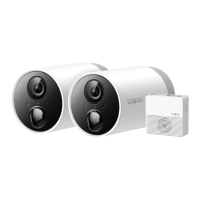
Note: Images may dier rom the actual products.
English
Fully Charge Time: 5.5 hours
Fully Charge Time: 7.5 hours
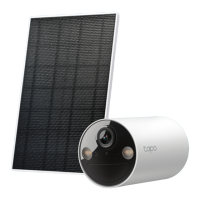
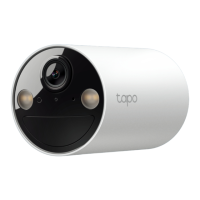
Tapo C425
/ TC85
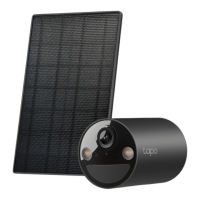
Tapo C410
/ TC82









 To Next Page