10
Set Up Your Doorbell and Chime
After installing the doorbell, follow the steps below to set up the doorbell, and pair with the chime.
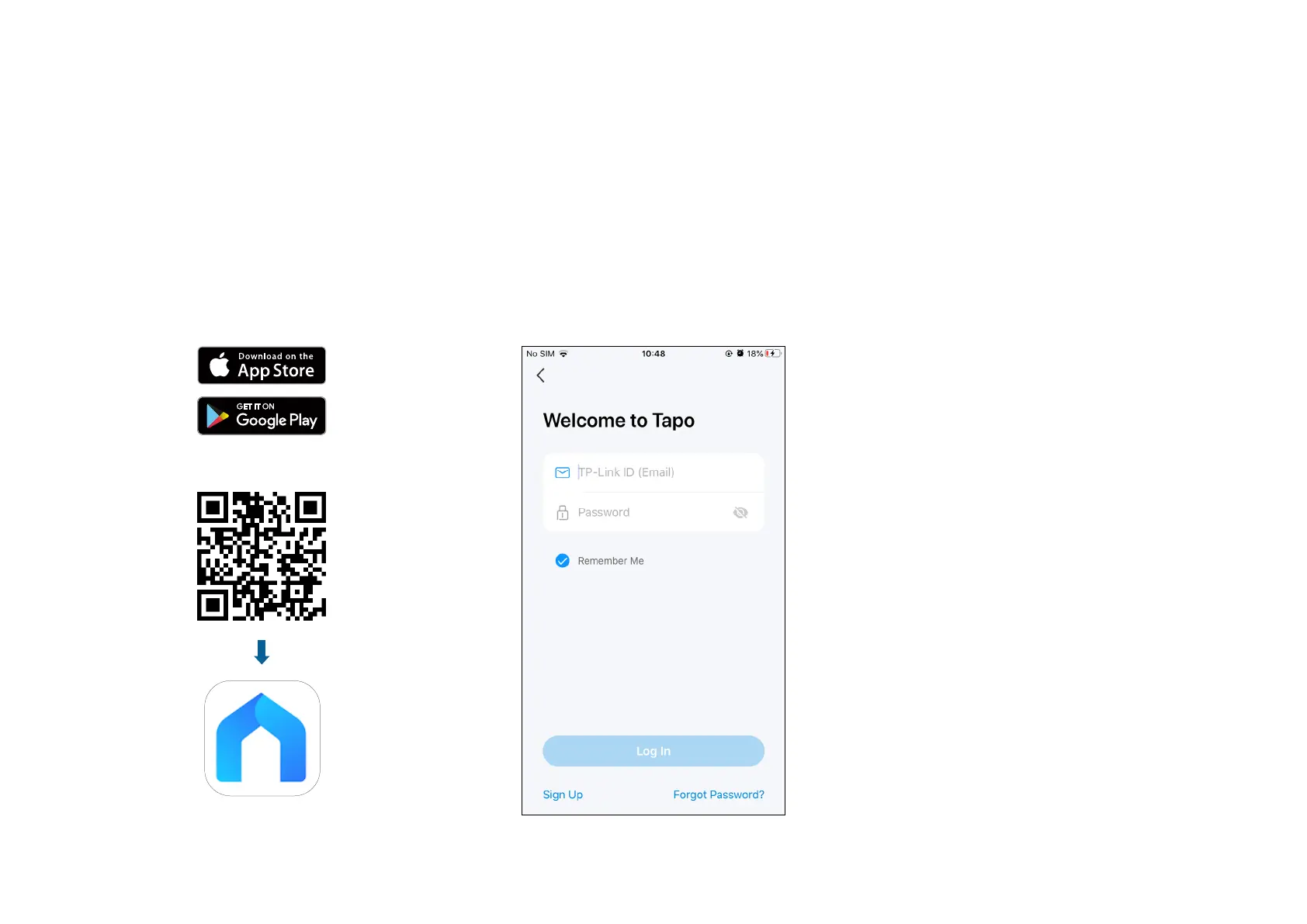
Step 1. Download Tapo App
Get the Tapo app from the App Store or
Google Play, or by scanning the QR code
below.
Step 2. Log In
Open the app, and log in with your TP-Link ID.
If you don't have an account, create one rst.
OR


 To Next Page