1
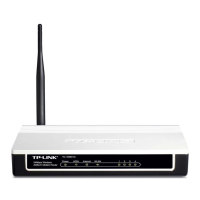
Power down all your network devices, including your computer(s) and the
Modem Router. If you currently use a modem, disconnect it now - the
Modem Router will replace your current modem.
Connect your computer to the
Port labeled “1~4” on the
Router with an Ethernet cable.
Connect the splitter to the wall
jack using a telephone line,
then use the other telephone
line to directly connect it to the
LINE port on the Router and
the MODEM port of the splitter,
also have the PHONE port of
the splitter connected to a
telephone.
If no telephone is needed, please connect the LINE port of the Router to
the wall jack using the telephone line directly.
Note
Note
Please use only wired network connections to configure the router.

 Need help?
 General









 To Next Page