11
Set up nbn
®
HFC
1 Connect the power cables from your nbn
®
Connection Box and modem's Power Ports to electrical outlets.
2 Connect the included Ethernet cable from the UNI-D1 or 2.5G port on your nbn
®
Connection Box to your modem's blue WAN port.
3 Make sure the electrical outlets for your nbn
®
Connection Box and modem are both on, and press the modem's ON/OFF button.
4 Allow 20 minutes for your modem to boot up and connect automatically.
5 Check the lights on your modem. If the Internet light is green, you can start connecting your devices and getting online.
6 To plug in additional devices via Ethernet cable, simply connect the Ethernet cables to any of the four yellow LAN ports on your modem.
7 Turn to page 12 to continue your setup.
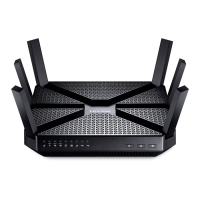
Power DSL 5GHzInternet4G 2.4GHz WPSPhoneWAN LAN 1 L AN 2 L AN 3 LAN 4 USB
ONOFF
DES-19417_VF_SMG_QSG_TPLink_Modem_NOV24.indd 11DES-19417_VF_SMG_QSG_TPLink_Modem_NOV24.indd 11 3/12/2024 11:09 AM3/12/2024 11:09 AM



 To Next Page
 Loading...