TPB TECH 75.080.14.242 INSTRUCTIONS MANUAL
9
Presentation of the appliance
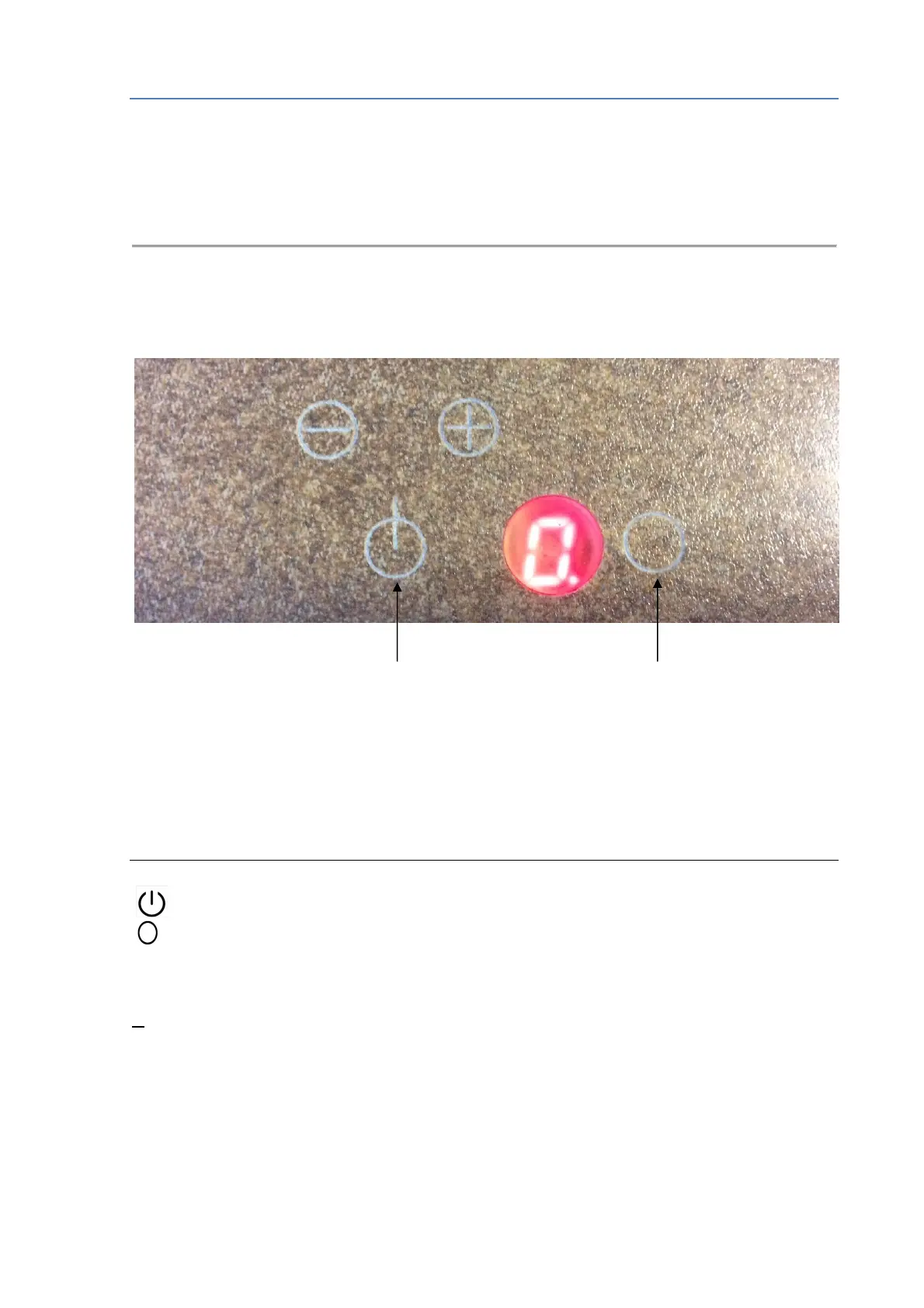
The control panel
Main switch Select a cooking area
Control surfaces
On pressing a symbol the corresponding function is activated.
N.B.: Keep the control surfaces dry at all times. Moisture may affect the operation.
Control surfaces and indicators
Main switch
Select the cooking area.
1-9 Power levels
P Booster function
H Residual heat
U Stand-by function when there is no pan



 To Next Page