INSTALLATION INSTRUCTIONS | PAGE 20IN-0050
Press“Continue”
YoushouldnowbereadytouseyourwithTPS
ThesystemcanbeusedinbothpluggableequipmenttypeA.Inbothsituationsthesocket-outletshallbeinstallednear
theequipment,shallbeeasilyaccessibleandmustalwaysincludeaGroundedconnection.
ForPluggableEquipmentTypeA,theprotectionintheinstallationmustbemax20A(USA,Canada,Japan),max13A
(UK,EU).
Futureupdatesofthetheeseinstructionscanbedownloadedat
https://www.Trackman.com/support.
MOUNTING SCREWS RECOMMENDATIONS
PLUGGABLE EQUIPMENT
UPDATES AND INSTALLATION VIDEO
Screws 4mm 30mm Ceilingmount
Wood,plasterandconcrete
Rawplugs 6mm 35mm VESA100x100mount
(Bracket)
Screws 6mm 12mm VESA100x100mount
(Droppole)
PresstheautotargetbuttonandwaitforTPStolocatethecenterofthe.
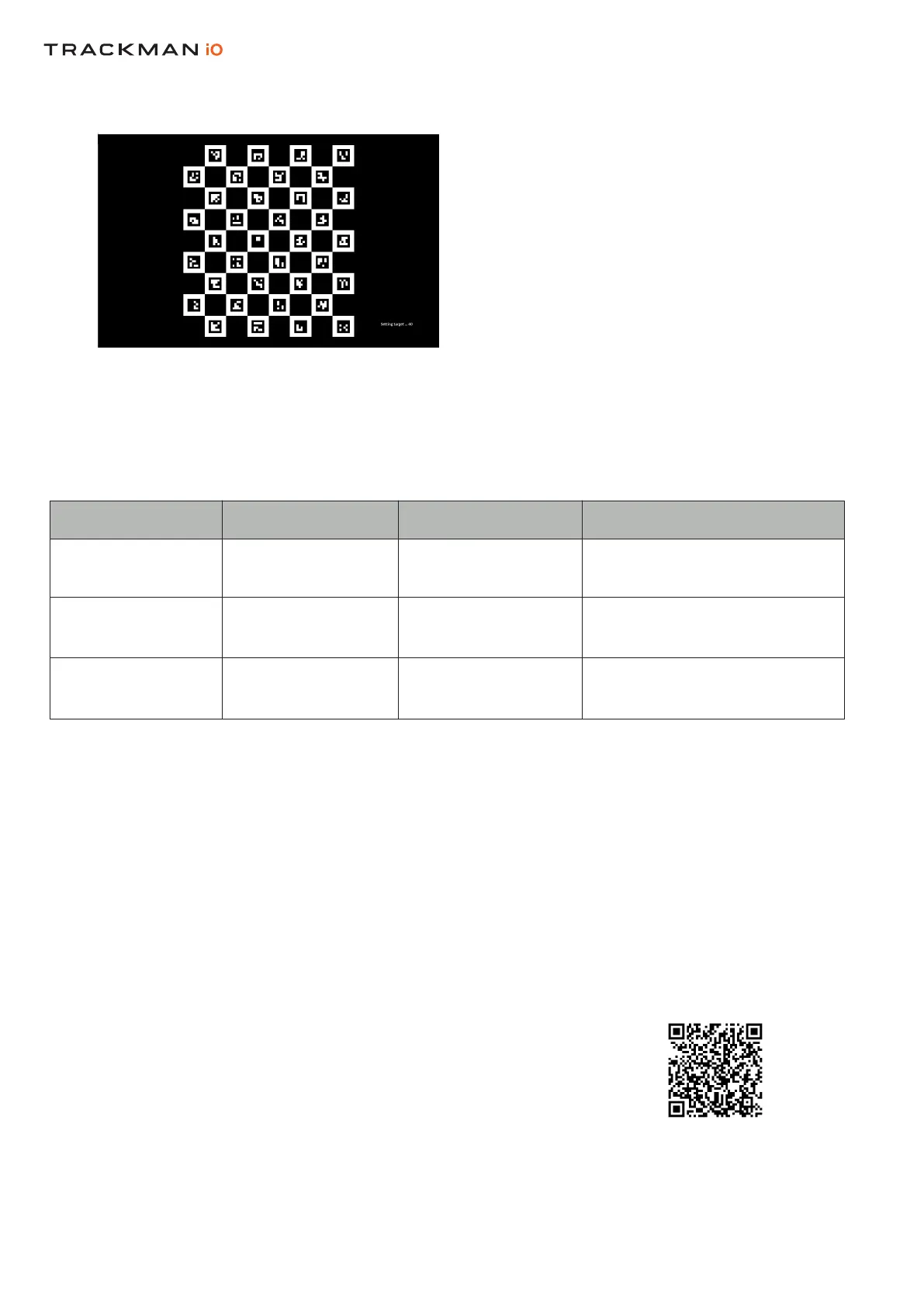
ThefollowingpatternwillappearononeormoreofyourdisplaysuntilTPSlocatesthecorrectone.


 To Previous Page