Setting Up Multi-dog System
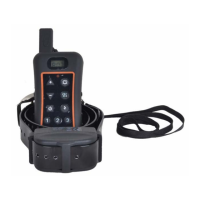
You can expand your one-dog Remote Trainer into
multi-dog Remote Trainer by yourself. Simply purchase
extra receive collar and add them to your system.
1. Match a Receive collar To add a Receive collar to
your remote dog training system, following the
below steps:.
Ste p 1 : Take out 1 Pcs unmatched receive collar .
Press and hold “ON/OFF” button .after two
“beep” sound ,then release , receiver is power
on ,Green Led flash frequently .(Note : never
open 2 or more unmatched receivers .)
Ste p 2 : Take out the transmitter that you want to match
receiver . Press and hold on “ ” button until
LCD display occur then release , Transmitter is
power on .
Ste p 3 : Press and hold “ ” button and “ ”button
at the same time ,until the digital number on the
- 10 -


 To Next Page