Pub. No. 18-HD29D1-3 5
Installer’s Guide
Table 2 INSTALLER SETUP (ISU) USER SETUP (USU)
1. Set System MODE to OFF
2. Set FAN to AUTO
3. Press and hold MODE and UP arrow at the same time.
1. Press and hold MODE and FAN at the same time.
Menu Item
Factory
Setting
Setting (Choices)
(Press UP or DOWN arrow)
Step
(Press
MODE or
FA N
Menu Item Default
Setting (Choices)
(Press UP or DOWN arrow)
Step
(Press
MODE or
FA N
Error Count 0 None 1 Temperature Display 0
0 = Fahrenheit
1 = C elsius
40
Software Version None 2
Auto or Manual
Changeover
1
0 = Manual
1 = Auto
41
Configuration
Signature - LoByte
None 3 Setpoint Deadband 3
2 - 10 Degrees Fahrenheit
1.5 - 5.0 Degrees Celsius
42
Configuration
Signature - HiByte
None 4 Waiting Icon 0
0 = Disable
1 = Enable
43
Compressor Stages 1
0 = None
1 = Single Stage AC
6 Cooling Droop 1
0 = Off
1 = 1 Degree
2 = 2 Degrees
44
Indoor Heater Type 1
1 = Gas, Oil
2 = Electric
7
Energy Savings -
Cooling Setpoint
Offset
5
0 - 25 Degrees Fahrenheit
0 - 15 Degrees Celsius
45
Indoor Heater
Stages
1
0 = None
1 = Single Stage Heater
8
Energy Savings -
Heating Setpoint
Offset
5
0 - 45 Degrees Fahrenheit
0 - 25 Degrees Celsius
46
Cooling Cycle Fan
ON Delay
0 0 - 30 Seconds 15
Indoor Filter Timer
Method
0
0 = Calendar Days
1 = Fan Run Time Days
47
Cooling Cycle Fan
OFF Delay
0 0 - 90 Seconds 16
Indoor Filter
Reminder - Days
30
1 - 180 Days
0 = Disable
48
Compressor Cooling
Cycles Per Hour
3 2 - 6 Cycles per Hour 19
Calibrate Indoor
Temperature
0
Calibrated Room Temperature
+/- 5 Degrees (1/2 degree
increments)
49
Compressor Cooling
Cycle Minimum On
Time - Minutes
3 2 - 4 CPH: 1 - 15 Minutes 20 Exit User Setup SA
SA
ve = Save selections
US
er = Default user settings
CA
ncel = Cancel
99
(Exit)
Heater Cycles Per
Hour
3 2 - 6 Cycles per Hour 27
Note: Pressing the Energy Savings Key ($) anytime during setup will advance to
step 99.
Step 99 - Make setting selection then press MODE to exit.
SA
ve = Save selections
US
er = Default user settings
FA
ctory = Factory default settings (Installer Setup only). Clears history from
EEprom and returns to step 1 in menu list.
CA
ncel = Cancel selections for current session and return to previous session
selections.
Heater Minimum On
Time - Minutes
3
Gas Heat:
3 - 15 Minutes
Electric Heat:
1 - 15 Minutes
28
Control Response
Rate
0
0 = Normal
1 = Fast
33
Press MODE to advance to User Setup choices steps 40 - 49 or Press the Energy
Savings key ($) to advance to step 99.
Exit Setup
(Press M ODE)
SA
SA
ve = Save selections
US
er = Default user settings
FA
ctory = Factory default settings
(Installer Setup only). Clears history
from EEprom and returns to step 1
in m enu list.
CA
ncel = Cancel
99
(Exit)
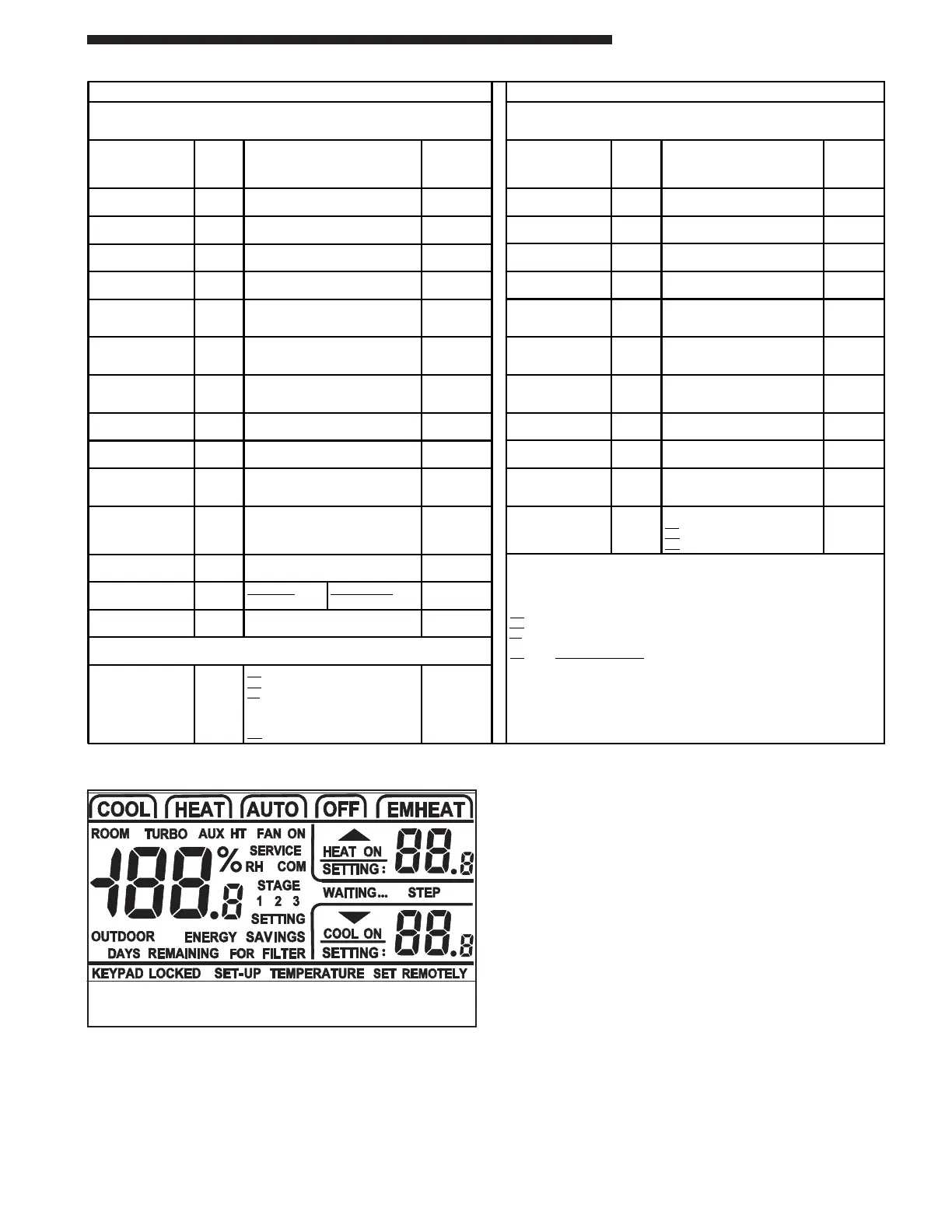
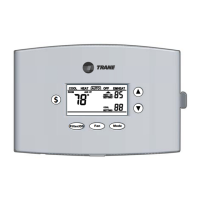
XB Control Setup
Figure 10




 To Next Page