12
7.46 Press the SELECT button up or down to adjust to the Slope value
of the solution.
7.47 Press ENTER to confirm set value, wait a while for an endpoint
reading to establish and press it again to calibrate to the point.
7.48 The remaining slope values will alternate on the main display.
7.49 Repeat step 7.43 to 7.47 in sequence. You can calibrate up to 4
slope points.
7.50 At least 2 calibration point (offset & slope) must be established in each session
of calibration. Otherwise, calibrated point will not register.
7.51 When calibration is completed, press EXIT to resume measuring
mode.
8 MAKING PH MEASUREMENT:
Measurement with Auto-Lock feature enabled:(see Page 4)
8.1 Always rinse the pH electrode and temperature probe with
distilled-water before and after each test.
8.2 Dip the pH electrode and temperature probe in the test sample
and press the READ button once.
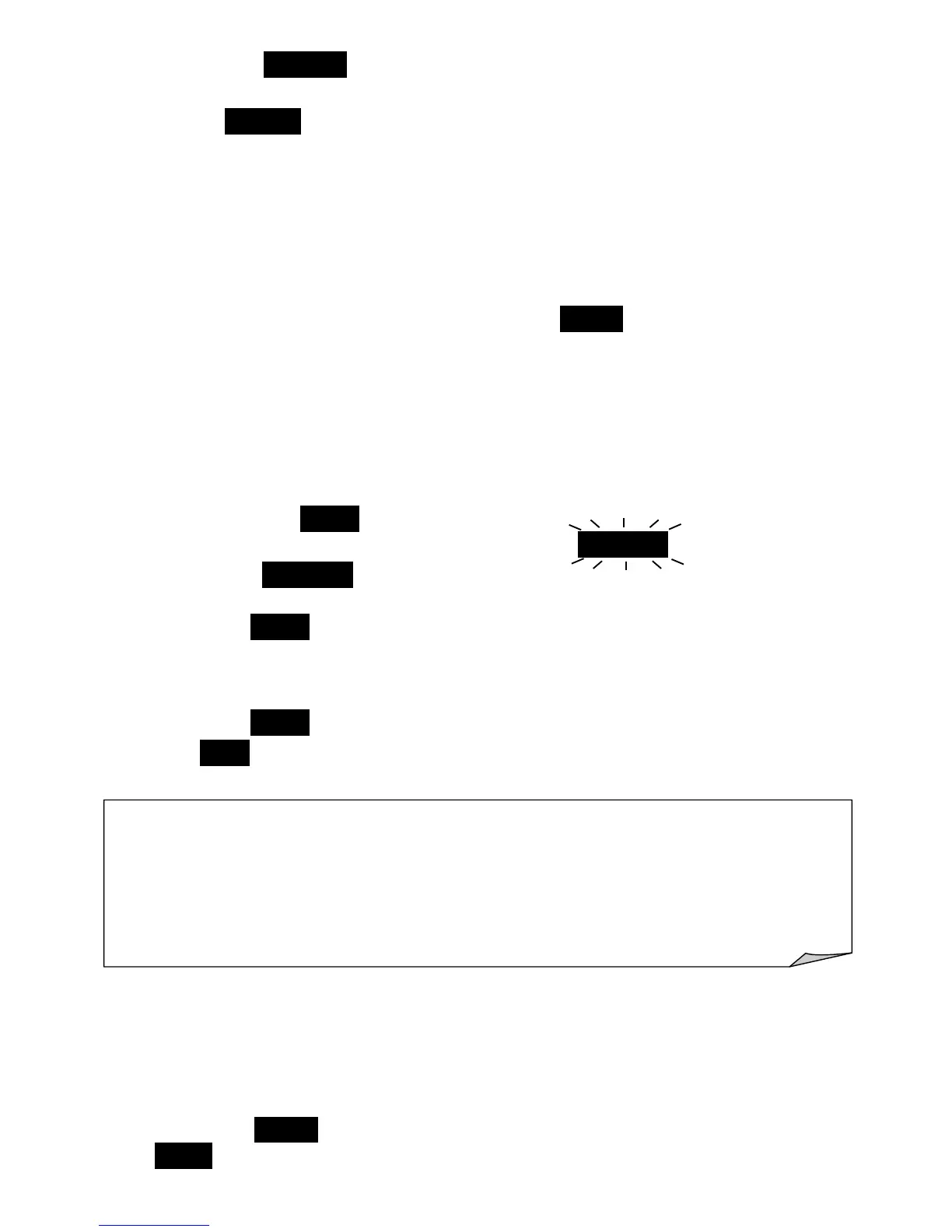
8.3 Display will show current pH reading with AutoLock symbol blinking.
8.4 When the AutoLock sign stops with short beep, an endpoint reading
is established. You can now record the reading.
8.5 Press the READ button for each new measurement.
Measurement with Auto-Lock feature disabled: (see Page 4)
8.6 When feature is disabled, meter will display readings continuously.
8.7 Press the READ button once to freeze displayed reading.
8.8 The HOLD symbol will appear. Press again will release display and
resume continuous measurement.
pH measurement without ATC (Manual temperature compensation on sensor error)
8.9 If ATC is not required, disconnect the temperature probe. ATC
symbol will not appear on screen and display will show the default
temperature of 25ºC.
8.10 You can also manually set the solution’s temperature as follow:
8.11 Press the READ button start measuring, then press and hold down
MODE button until temperature reading appears blinking.
Note on Measurements and Analysis:
Each type of liquid has its own pH value varies at different temperature. ATC
measurement only compensates for the pH sensor’s error, it does not compensate
for the pH variation due to temperature fluctuation in the liquid. Therefore, each
test should be made at the same temperature if possible or recorded with
temperature reading for a comprehensive analysis.


 To Next Page