13
8.12 While temperature digit is blinking. Press the SELECT button up or
down to adjust the value to that of the solution.
8.13 Press ENTER to confirm the set value or EXIT to abort. Display will
resume measuring mode.
9 MAKING REDOX(ORP) MEASUREMENT:
9.1 Disconnect and remove the pH electrode and temperature probe.
Connect with a Redox/ORP electrode. Temperature has no effect
on ORP readings and therefore is not require during measurement.
9.2 Rinse the sensor in distilled water then in the test liquid. Stir to
remove bubbles and wait for a stabilized reading.
9.3 Press the MODE button once to switch display to mV reading.
9.4 Press the READ button once and display will show AutoLock symbol
blinking, indicating meter is sensing an endpoint reading.
9.5 When the AutoLock sign stops with short beep, an endpoint reading
is established. You can now record the reading.
9.6 Depend on the liquid that is measured, some volatile liquid may
take up to 20 minutes or even longer time to stabilize. Disable the
Auto-lock (Page4) and Auto-Off (Page6) features. Then endpoint
reading should determine by individual experience in each case.
DATA MEMORY:
9.7 This meter can save up to 99 data with time and
clock with either pH or ORP measurements.
STORE MEMORY:
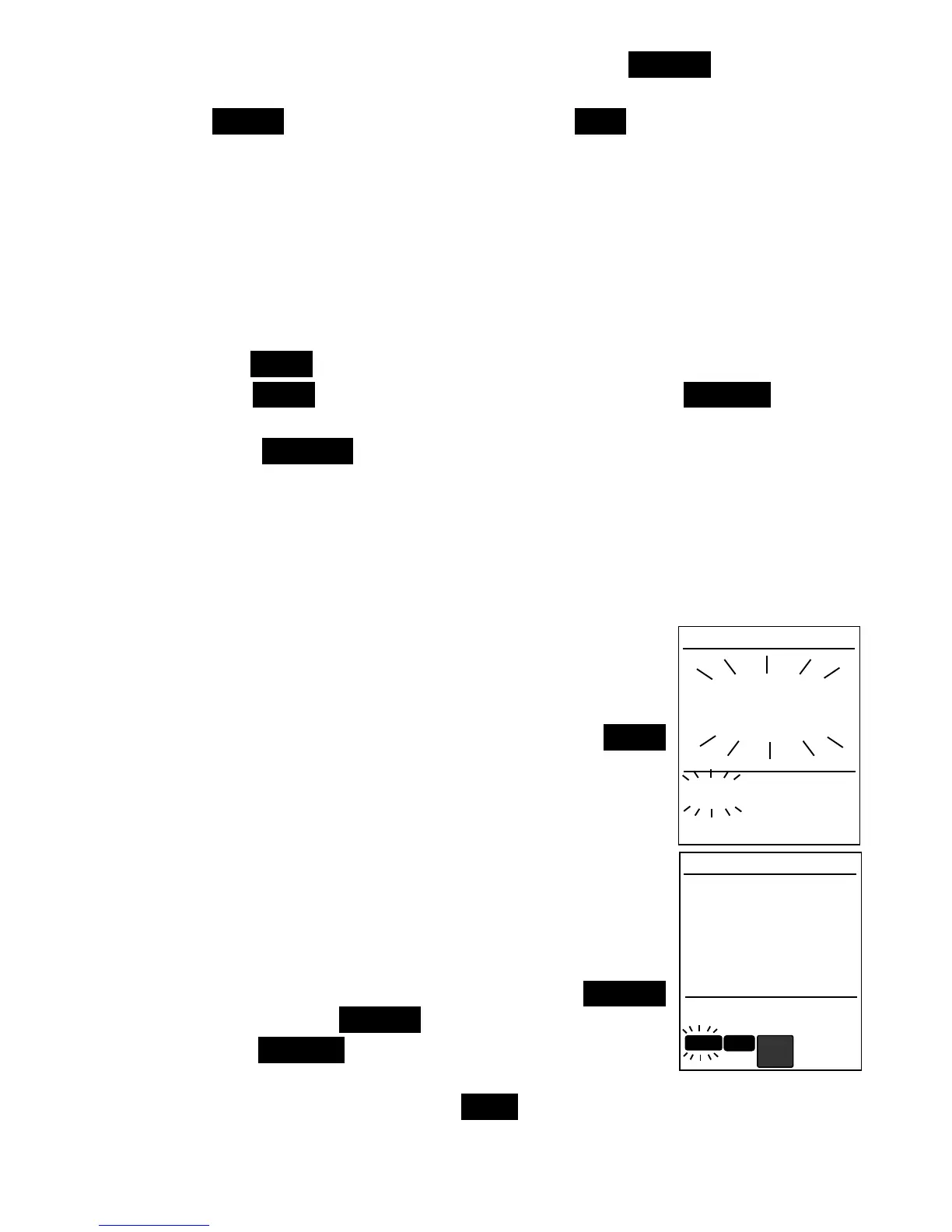
9.8 After a reading has established, press the M+ .
button to save data into memory. Display will
show Stor
StorStor
Stor and memory counter blink briefly.
9.9 Data is stored and measuring mode resumes.
9.10 When memory is above 99, display will show
“FULL” and data will not be saved. Please
download data and clear memory to resume.
9.11 It is a good practice to download data daily.
RECALL MEMORY:
9.12 To review the saved data, press the SELECT
button then press RECALL button.
9.13 Press the SELECT button up or down to review
each saved data. Time and date will alternate.
9.14 When finish reviewing, press EXIT to return to normal measuring
mode.
pH
7.08
25
.
0
Memory
2 8:
:
47
AM


 To Next Page