6
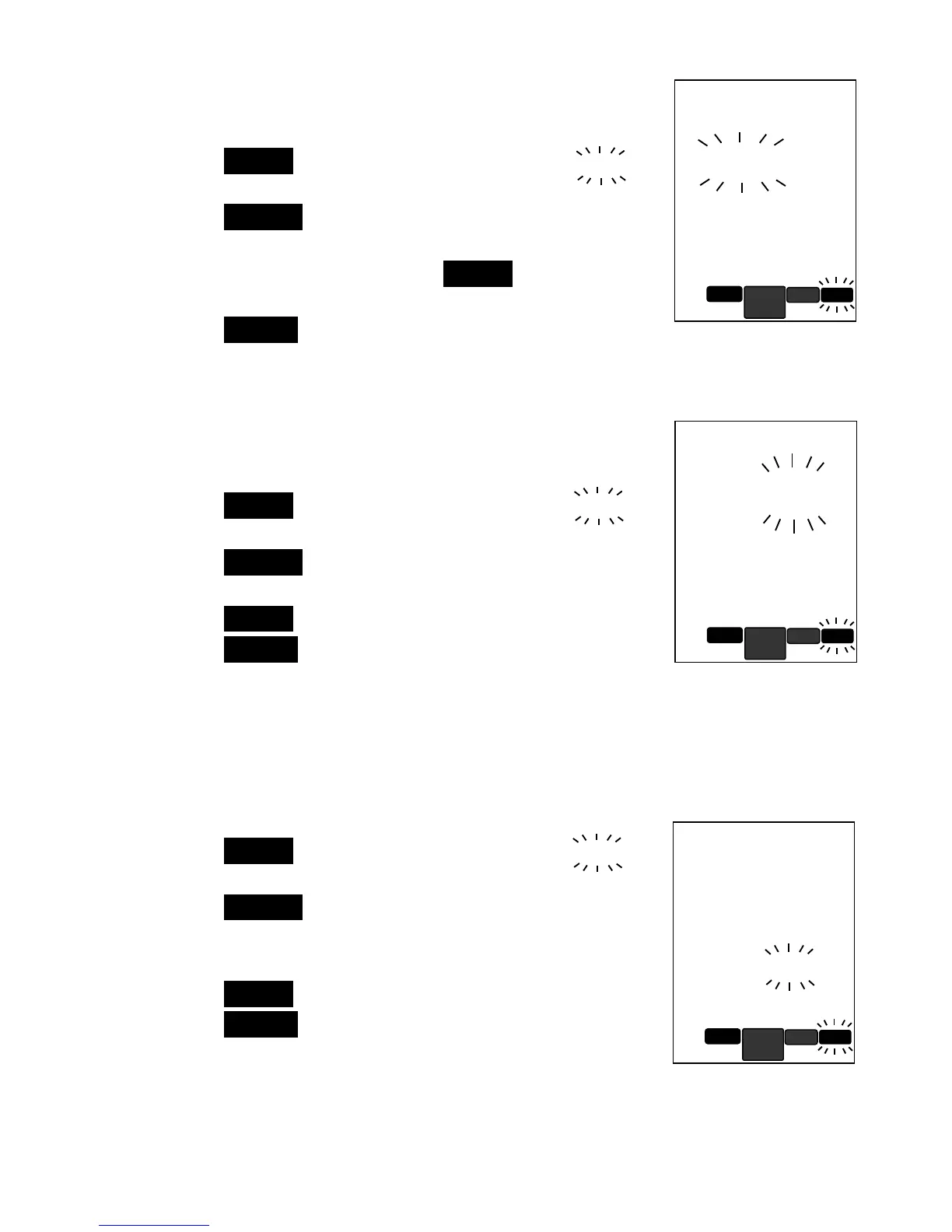
Clr
- CLEAR SAVED MEMORY
This setting will clear all saved memory in the unit.
1 Press the ENTER key to set; display will show No
No No
No
blinking.
2. Press the SELECT key up or down to choose
between yes
yesyes
yes and no
nono
no.
3. Choose Yes to clear, press the ENTER key to
confirm.
4.
Press the SELECT key up for next setting.
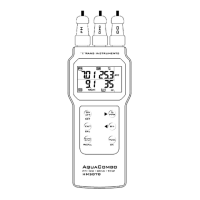
Unt
- TEMPERATURE UNIT OF MEASUREMENT
This setting allows you to set the unit of measurement
for temperature between Celcius and Fahrenheit.
Factory preset is in Celcius.
1. Press the ENTER key to set; display will show C
C C
C
blinking.
2. Press the SELECT key up or down to choose
between C
CC
C and F
F F
F
3. Press the ENTER key to confirm.
4.
Press the SELECT key up for next setting.
Avto off
- AUTO-OFF TIME SETTING
This setting allow you set the time to automatically
shutoff the unit to power save. This feature is good if
you want the meter to make prolong measurement or
continuous display.
1. Press the ENTER key to set; display will show 15
15 15
15
blinking.
2. Press the SELECT key up or down to scroll between
no
nono
no,15
1515
15minutes, 30
3030
30 minutes or 60
6060
60 minutes.
3. Select no
nono
no will disable auto-shutoff feature.
4. Press the ENTER key to confirm.
5. Press the SELECT key up for next setting.
no
CLr
Memory


 To Next Page