7
Rtc
- REAL TIME CLOCK
This setting allows you to change the date and time
on the meter.
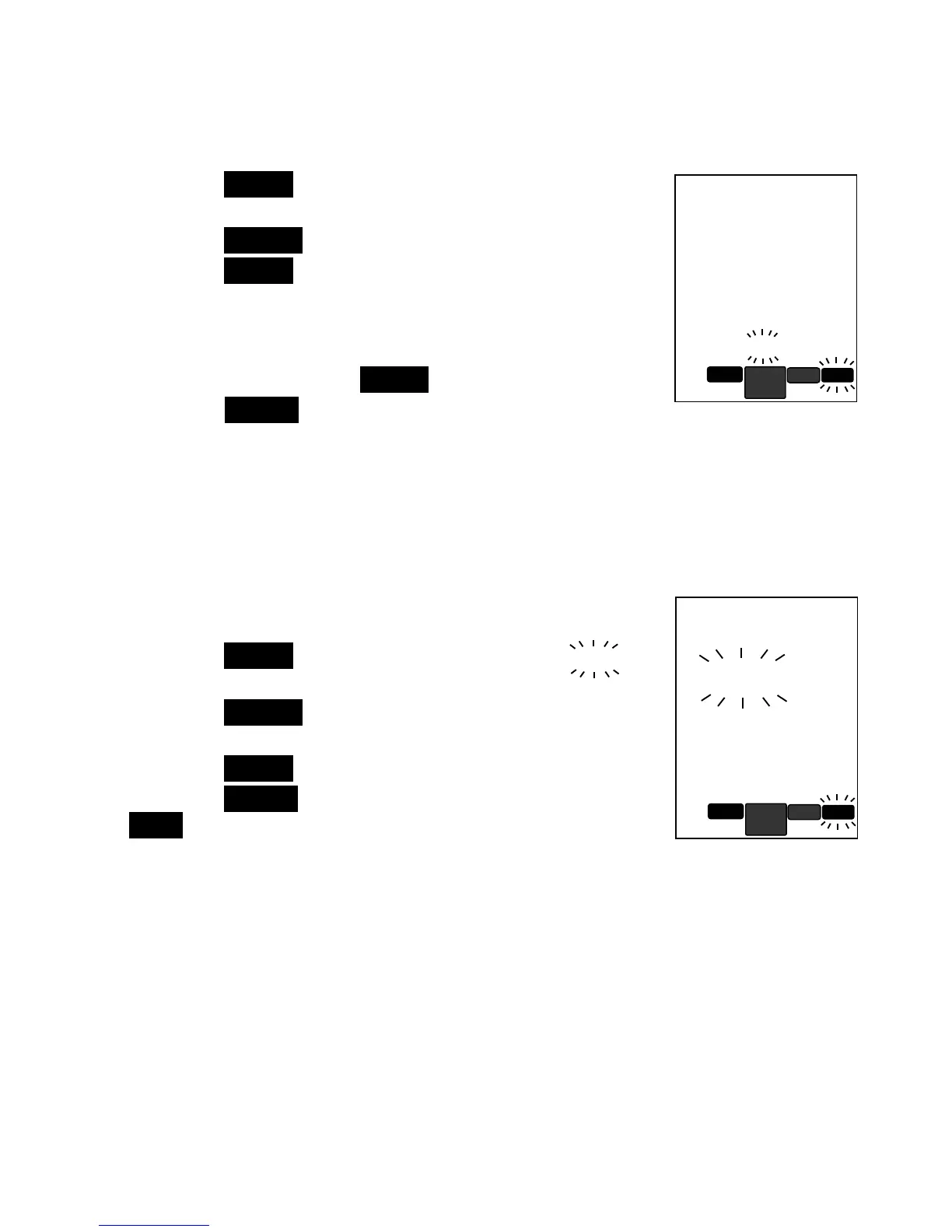
1. Press the ENTER key to begin setting; display will
show clock with hour digit blinking.
2. Press the SELECT key up or down to scroll digit.
3. Press the ENTER key to confirm or move to set
Minute then Day, Month and Year on each
instance. While digit is blinking, repeat step 2~3 to
set digit.
4. After setting Year and ENTER , clock is up to date.
5. Press the SELECT key up for next setting.
RST
- MASTER RESET
This setting allows you to reset the unit to the original factory’s default.
Original factory default:
Buffer Standard = I
II
ISO
SOSO
SO
Auto Shutoff =1s
1s1s
1s minutes
1. Press the ENTER key to set; display will show no
no no
no
blinking.
2. Press the SELECT key up or down to choose
between yes
yesyes
yes and no
no no
no
3. Press the ENTER key to confirm.
4. Press the SELECT key up to repeat from beginning or
EXIT key to return to measuring mode.
rtc
2 : 04
pm


 To Next Page