14
10
ONLINE DATA LOGGING TO PC: (SOLD SEPARATELY)
The USB Connection kit is sold separately. Full instruction is in
the Readme.txt file of the attached CD.
11
MAINTENANCE:
11.1
The pH electrode is a vital part of the pH measuring system. Keeping
the electrode in good condition will ensure higher accuracy. Follow the
maintenance instructions attached with each type of electrode.
11.2
Always review the pH electrode status after calibration to determine if
the electrode is suitable for the measuring requirements.
11.3
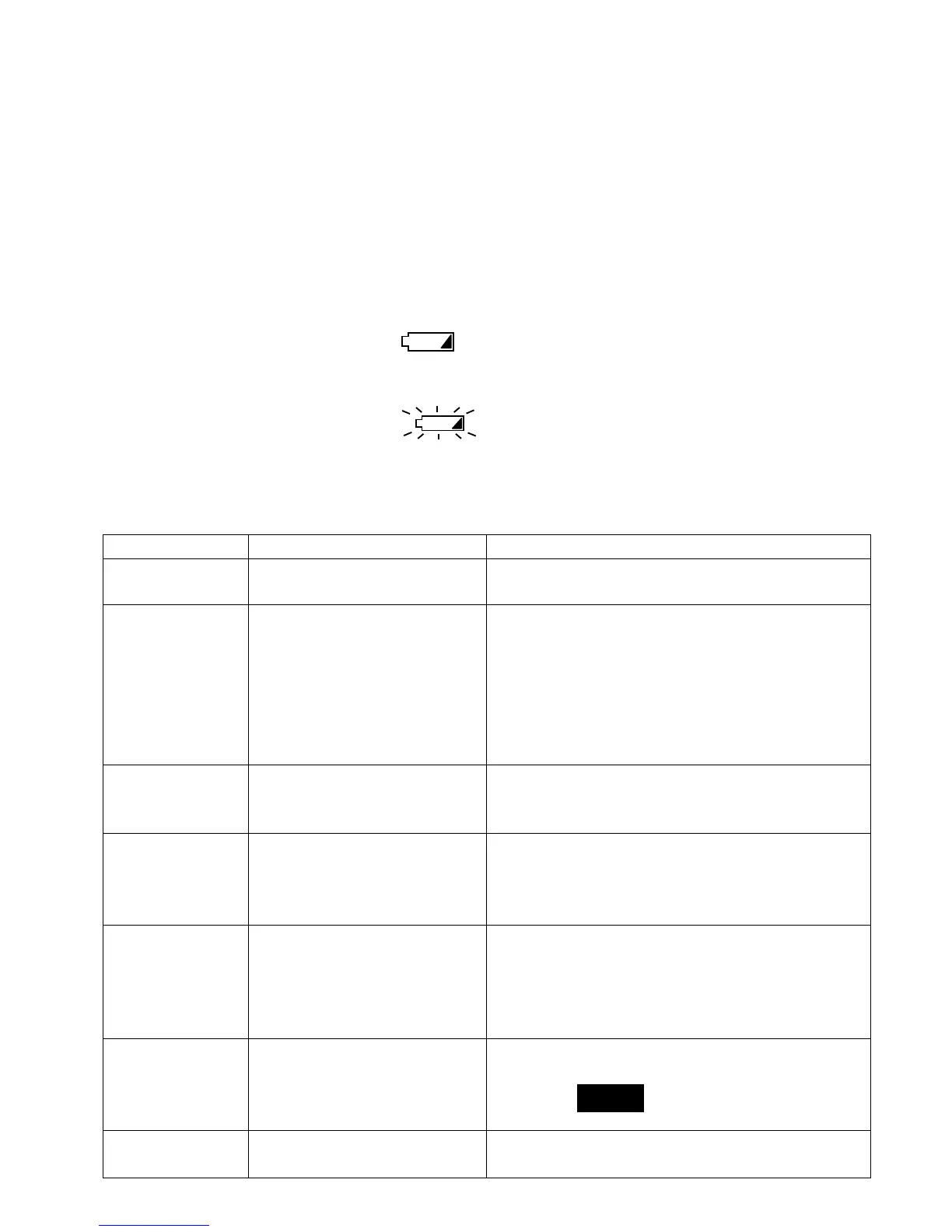
When the battery sign appear permanently on the
screen, it means the battery should be replace. Removed the battery
cover and replace with 4 “AAA” batteries according to polarity.
11.4 If the battery sign appear blinking, it means the
back-up battery should be replace. Return meter to your local agent
for battery replacement.
12
TROUBLESHOOTING:
Error Code Reason or cause Remedy
----
--------
----
Inputs exceed measuring
range
Measure liquid within specified range
ErLc Prob
Readings drift or
unstable, cannot
auto-lock during
Read or Cal.
1. Ground loop in
solution
2. Electrode is clog or
expired.
3. Electromagnetic
interference
4. ORP measurement
1. Make measurement in a cup or
container.
2. Check % of slope >75% or <115%,
otherwise, replace electrode.
3. Move to another location to perform
test.
4. Disable auto-lock (see 9.6)
Er T Prob
Offset calibration error
1. Wrong buffer type
2. Sensor damaged or
expired
1. Use only pH7.00 or 6.86 solution.
2. Check Offset status to be within
±15mV. Replace with new electrode
Er 1 Prob
Slope calibration error
1. Sensor damaged,
clogged or expired.
1. Check % of slope status to be within
75 to115%. Replace with new
electrode.
Reading does
not change
1. Broken pH glass
sensor.
2. Hold function is
activated.
1. Change new electrode.
2. Press READ button to release.
Wrong date &
time
Backup battery has
expired.
Contact your dealer to replace new ones.


 To Next Page