4
6 SETTING UP THE UNIT:
6.1 Before you begin using the unit, it is important to define your
measuring requirements. This will allow the unit to display
accurately on the condition of sample that is measured.
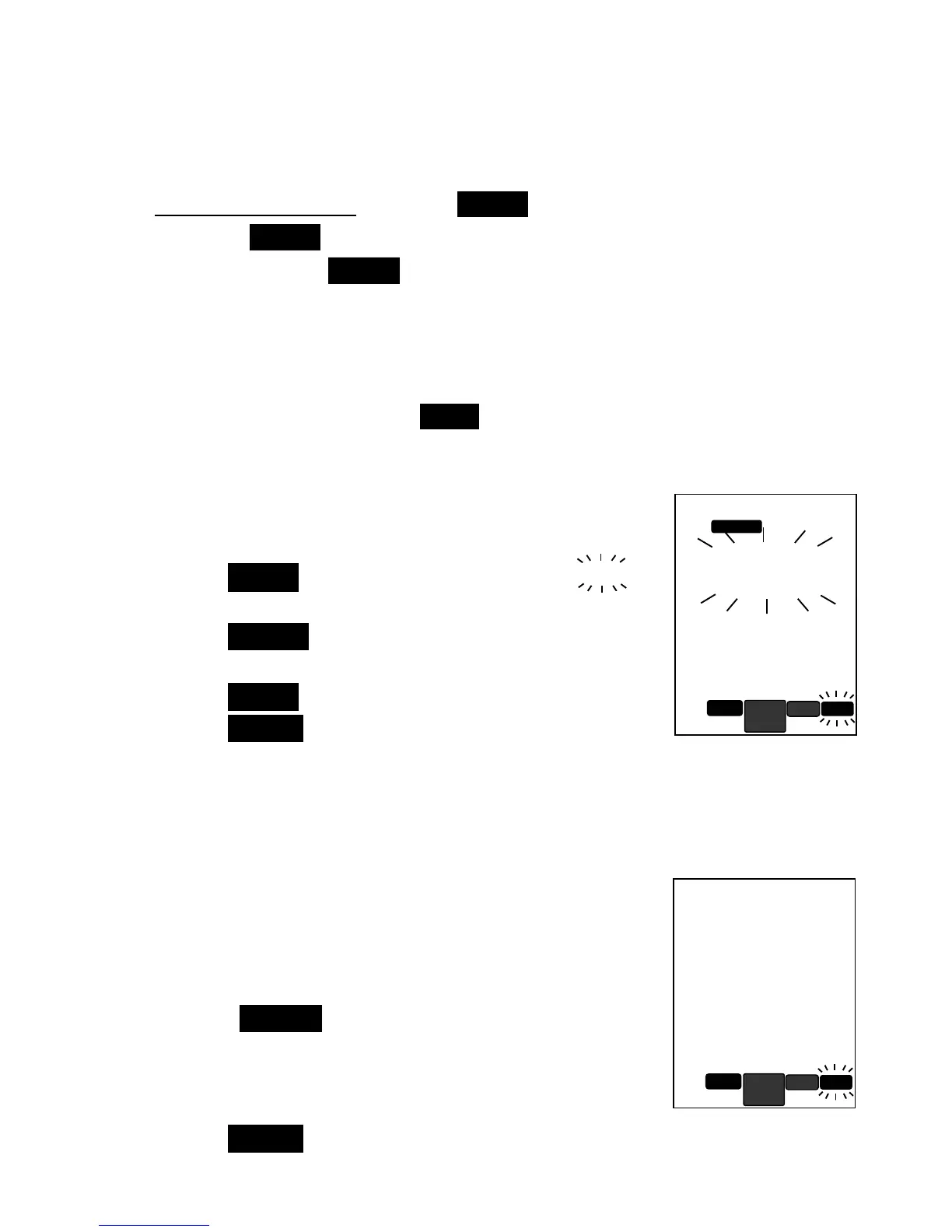
6.2 While the unit is switched ON, press the SELECT button once and the
Button Keys Legend will show SETUP appear.
6.3 Press the SETUP key to enter setup mode.
6.4 Display will show SETUP blinking, indicating you are in setup mode.
6.5 Press the SELECT button up to move to next setting or down to the
previous setting parameter displayed on screen.
6.6 After setting, meter will retain the info until you reset them.
6.7 Below are the description for each setting parameter:
* Anytime during setup, press EXIT to cancel the setting.
Alc
- AUTO LOCK SETTING
Auto-lock feature allows the meter to automatically
sense a stabilized reading and locks the endpoint
reading. Factory preset is Yes
YesYes
Yes.
1. Press the ENTER key to set; display will show
Yes
Yes Yes
Yes
blinking.
2. Press the SELECT key up or down to choose
between
yes
yesyes
yes
and
no
nono
no
3. Press the ENTER key to confirm.
4. Press the SELECT key up for next setting.
tr
- DATA TRANSMISSION TO PC
(Note: will not appear if no data saved)
This setting allows you to download saved memory
data to PC via the RS232 connector & CD software
kit (connector & software kit sold separately).
1. Download the software and run on PC.
2. Follow the CD instructions to setup software and
PC connection with RS232 connector.
3. Press the ENTER key and display will alternate
between
tr
trtr
tr
and
out
outout
out
, indicate transfer in progress.
4. When display return to
tr
trtr
tr


 To Next Page