Installation and Setup
100-13732 - Rev B Page 25
Unpack the Printer
Be sure to save the box and packing materials in case you need to send the
printer in for service. TransAct Technologies is not responsible for damaged
return items that are not packaged in original shipping material. Refer to
“Return Materials Authorization and Return Policies”, on page 6 for information
on what to do if you have to return your printer for repair.
Set Up the Printer
Make sure that there is sufficient space around the printer for access to the
touch screen menu, and to open the printer to replace paper and access the
printer mechanism, both of which are described later in this chapter.
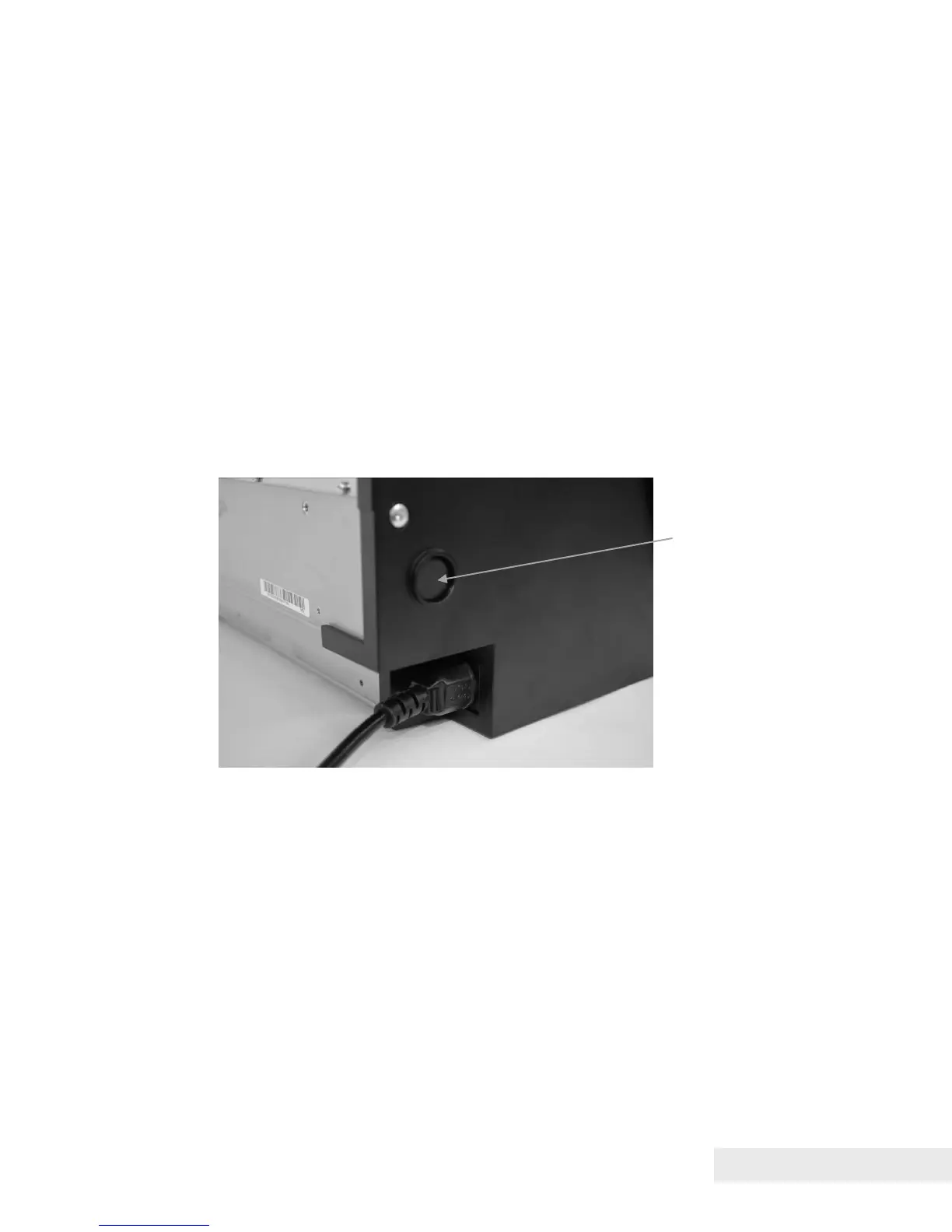
Plug the power cord of the printer into an appropriate electrical outlet. To turn
the printer on, press the power switch located at the rear of the left side of the
printer, as shown in the figure.


 To Next Page