Installation and Setup
100-13732 - Rev B Page 33
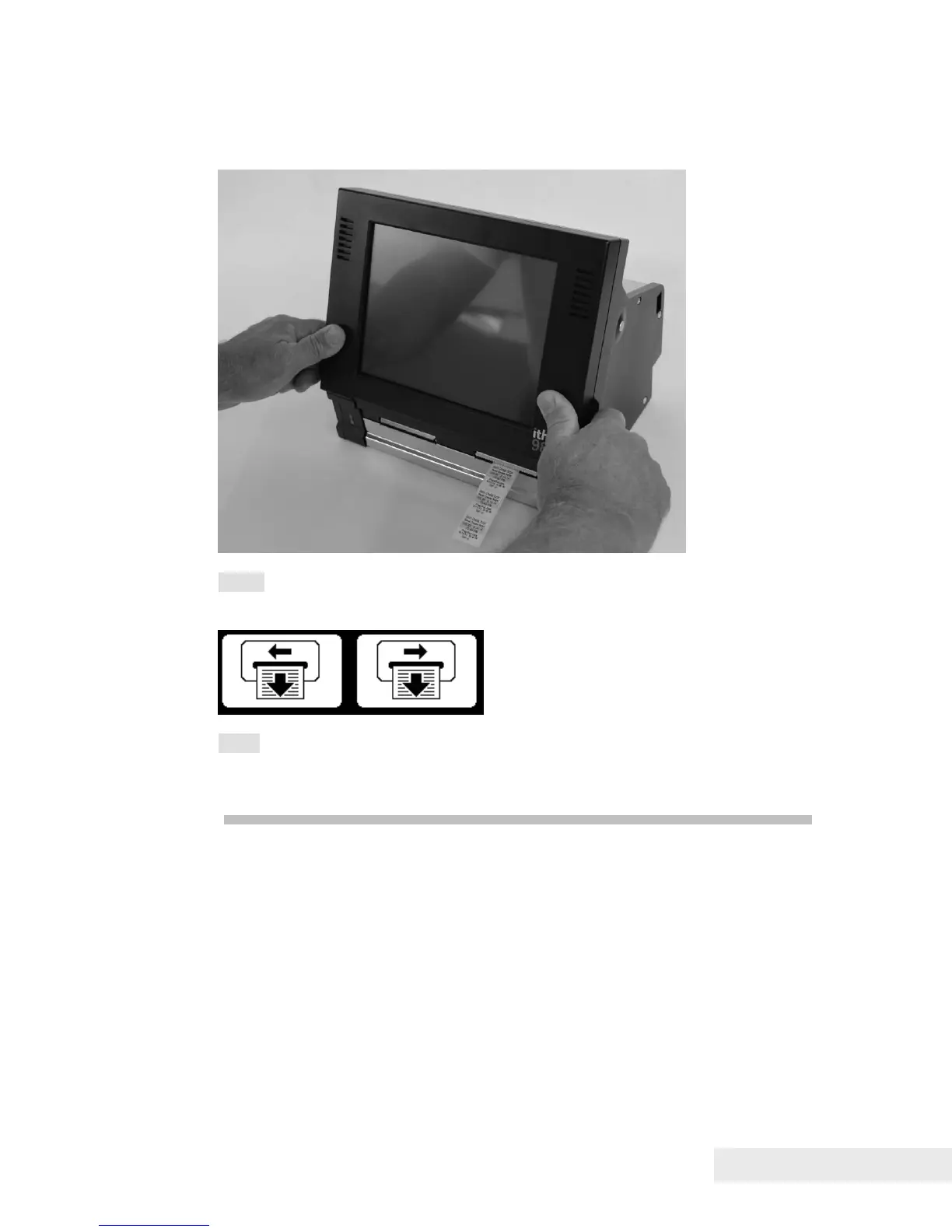
9. To make sure labels are loaded correctly, press the left or right feed button
on the display several times after the device is powered up.
Note: The left and right feed buttons may be customized to specific customer
sites. The default buttons are as shown below:
Note: The Ithaca
®
9800 printer supports different sizes of label media. See
the next section, Changing the Printer Mechanism, for details on installing new
printer mechanisms to support different label types.


 To Next Page