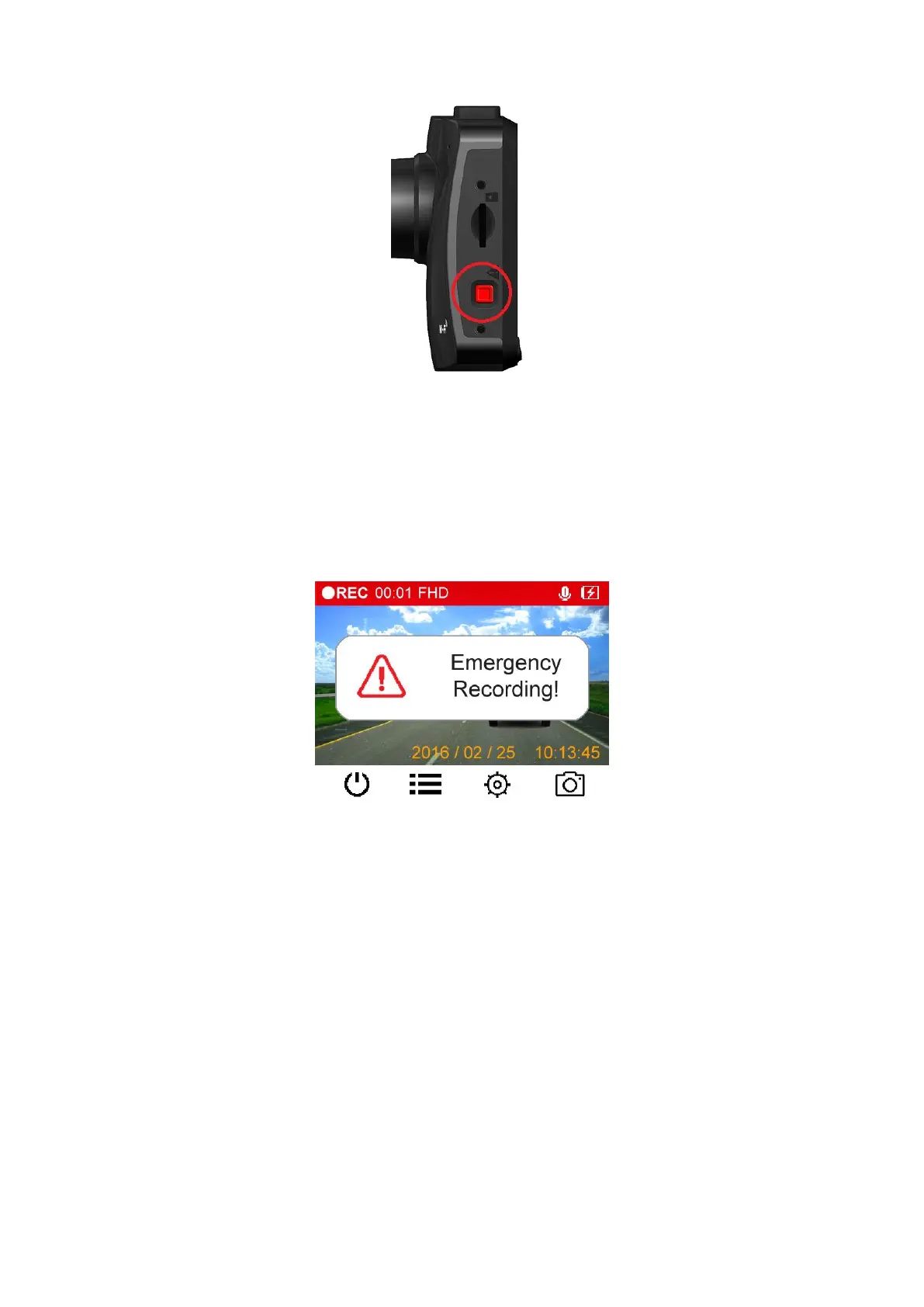
30% of the storage space will be saved for emergency video files. Video files recorded in
emergency mode are protected from being overwritten.
Manual Emergency Recording: During video recording, press the emergency button on the
left-hand side of the DrivePro™ to manually activate emergency recording mode. The emergency
icon will appear on the screen when activated.
G-Sensor Emergency Recording: During video recording, the DrivePro™ will automatically
activate Emergency Recording mode when detecting a collision.
If the G-Sensor sensitivity is set to “High”, even minor shocks will activate Emergency
If the G-Sensor sensitivity is set to “Low”, only significant shocks will activate Emergency
G-Sensor sensitivity can be adjusted or disabled in the Settings menu.
Note: The earliest emergency file will be overwritten by the latest emergency file recorded.
Please charge the DrivePro™ immediately after viewing the Low Battery warning to avoid errors
happening to the system time. Please avoid using the built-in battery to record videos directly.















 To Next Page