10. Transferring Files to a Computer
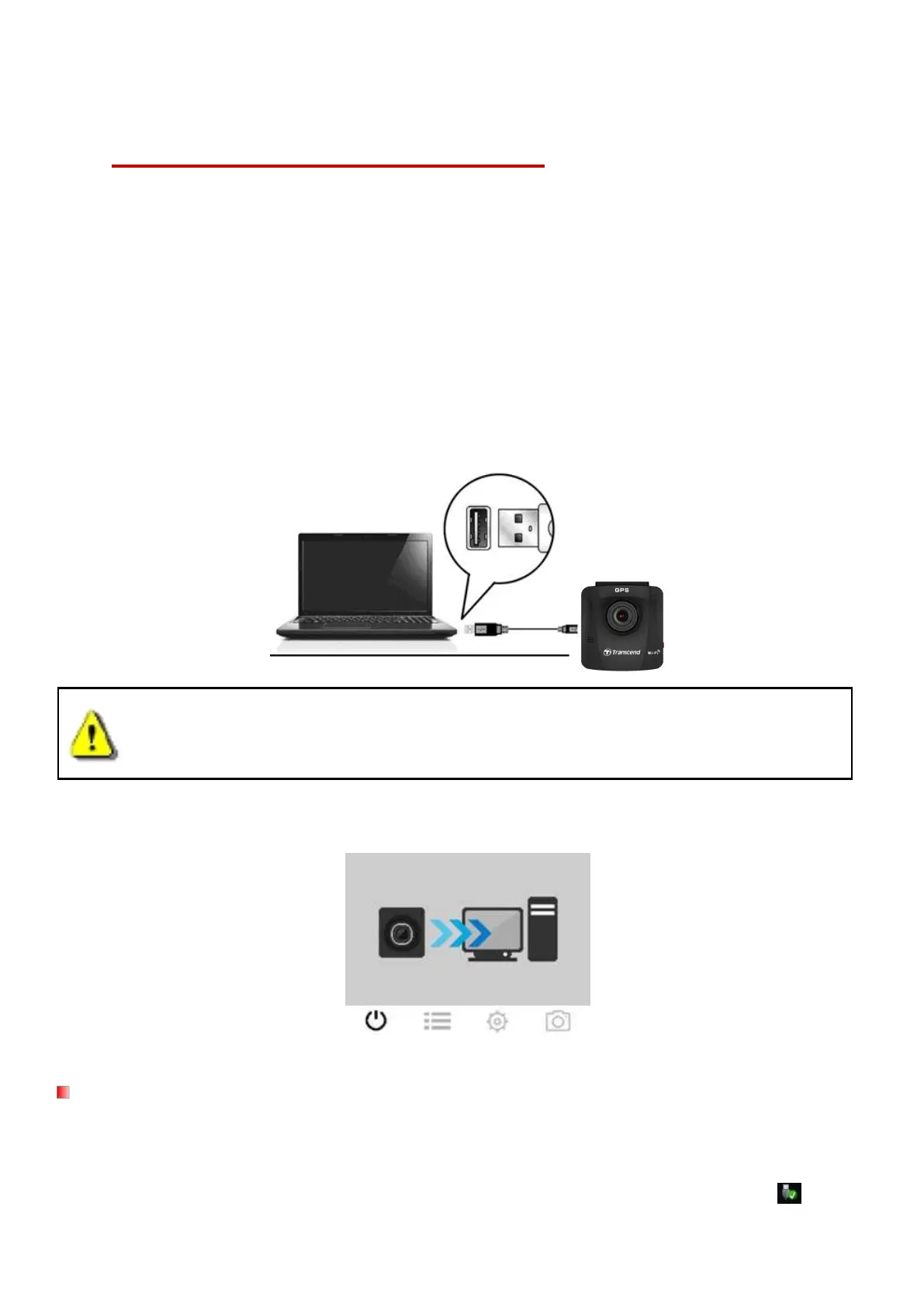
To transfer files between the DrivePro™’s memory card and your computer:
Option 1: Take the microSD memory card out of the DrivePro™, and insert to a compatible card
reader to transfer files to your computer.
1. Insert the microSD memory card into the DrivePro™.
2. Plug the small end of a USB cable into the Micro-B USB port located on the right-hand side
3. Plug the large end of the cable into an available USB port on your desktop or laptop.
DP230 package does not contain any USB cable.
The DrivePro™ will display the following screen when connected to a computer:
No drivers are required for connecting the DrivePro™ to your desktop or laptop. Windows®
Operating Systems have built-in drivers to support your DrivePro™. Upon successful connection to
your computer, a new Removable Disk drive with a newly assigned drive letter representing the
DrivePro™ will automatically appear in My Computer, and a Removable Hardware icon will















 To Next Page