EasyManua.ls Logo

Transcend DrivePro 230 - Page 9

Transcend DrivePro 230
34 pages
Print Icon
To Next Page IconTo Next Page
To Previous Page IconTo Previous Page
Loading...
9
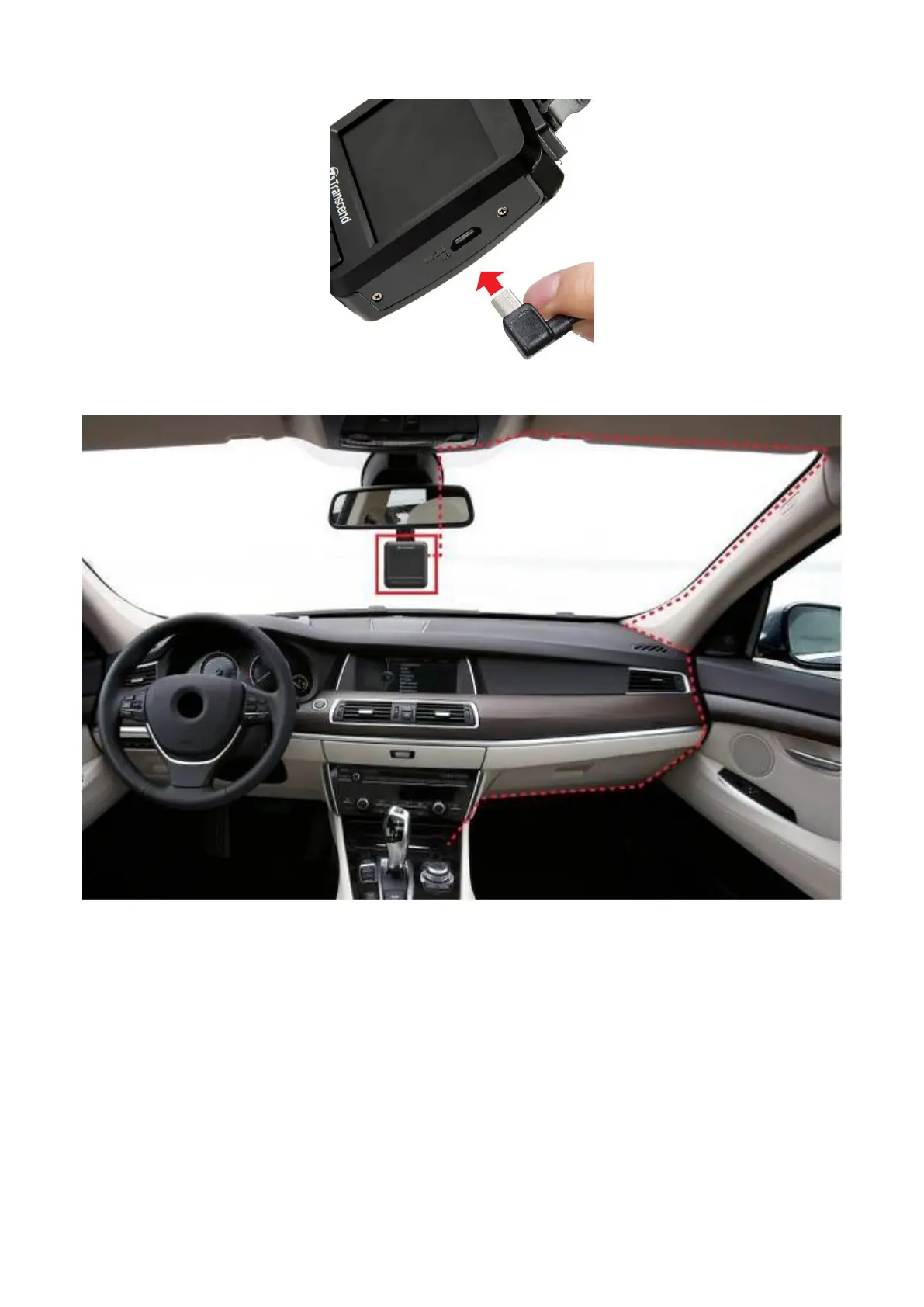
2. Connect the other end of the car adapter to your car’s lighter socket.
3. After the car engine is switched on, the DrivePro™ will automatically turn on and start
recording.
4. After the car engine is switched off, the DrivePro™ will automatically save the current
recording, and power off.
Note:
1. Lighter sockets of some types of vehicles will still supply power after the car engine is
turned off. If your car is of this type, please unplug your dashcam from the lighter
socket to avoid unnecessary power consumption and unexpected issues.
2. After the engine is turned off, long-time recording may drain the power of the car
battery.

Related product manuals