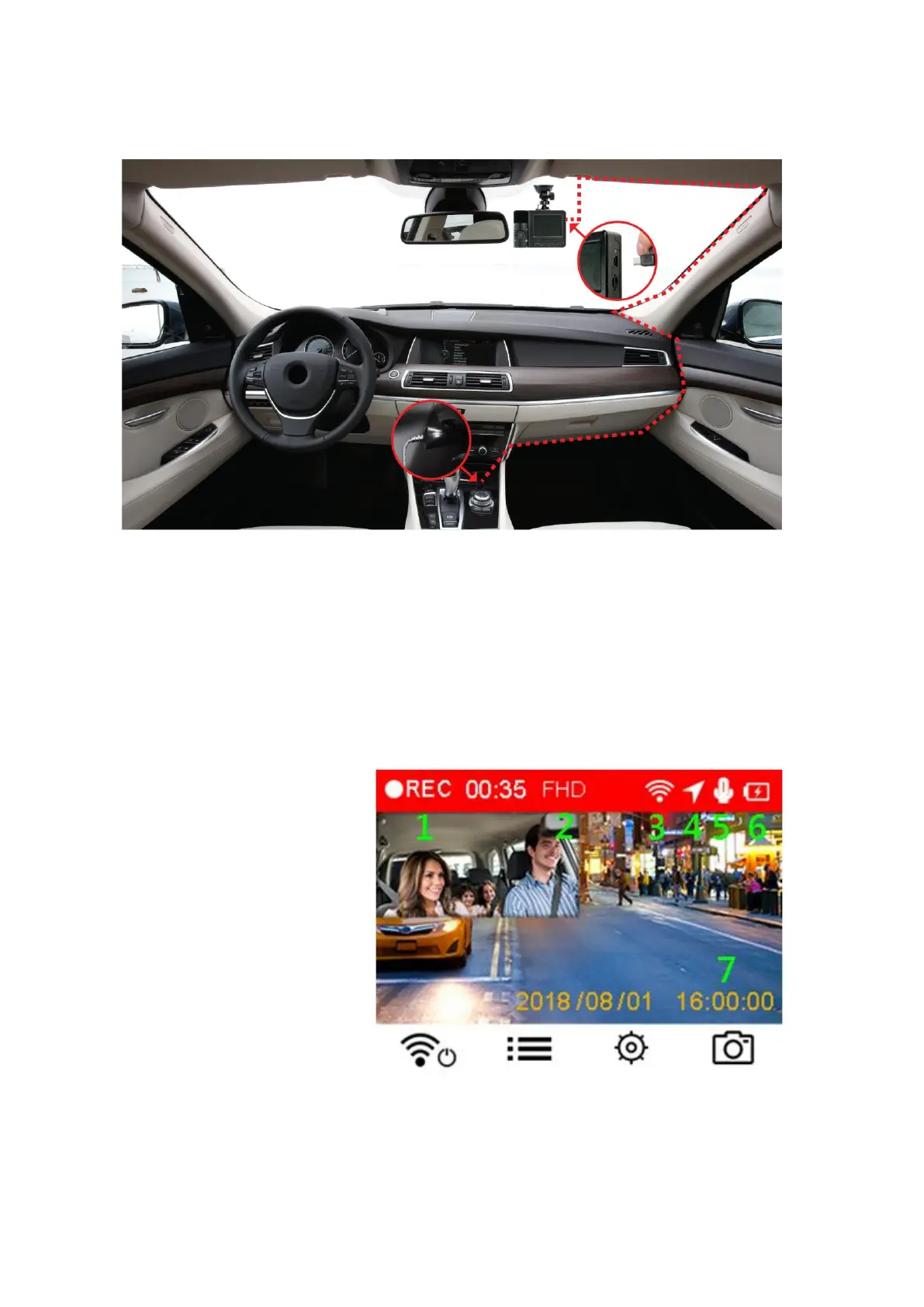
4-4 Connecting to Power
Note: Insert a microSD memory card before connecting the DrivePro to your car’s lighter
socket.
1. Connect the small end of the car adapter to the USB connector of the DrivePro.
2. Plug the other end of the car adapter in your car’s lighter socket.
3. After the car engine is switched on, the DrivePro will automatically turn on and start
recording.
Note: To use for the first time, please set the date, time and time zone.
Recording Screen















 To Next Page