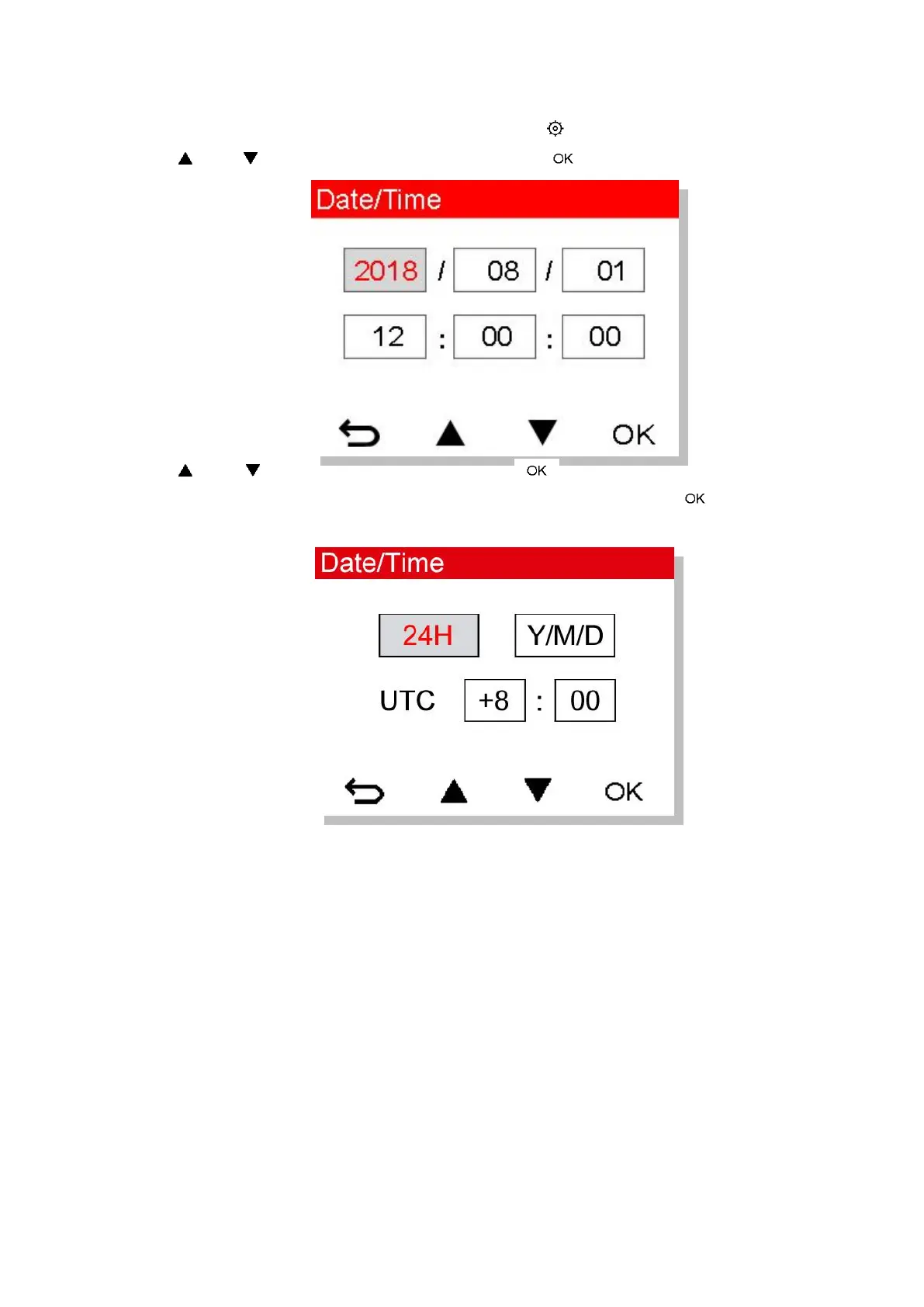
4-7 Setting the Date, Time and Time Zone
To set the current date and time:
1. During video recording, press the Settings button .
2. Use / to select Date/Time and press .
3. Use / to adjust values, and press to move to the next block.
4. Repeat Step 3 to set up the date/time format and time zone. Press after finishing the
settings.















 To Next Page