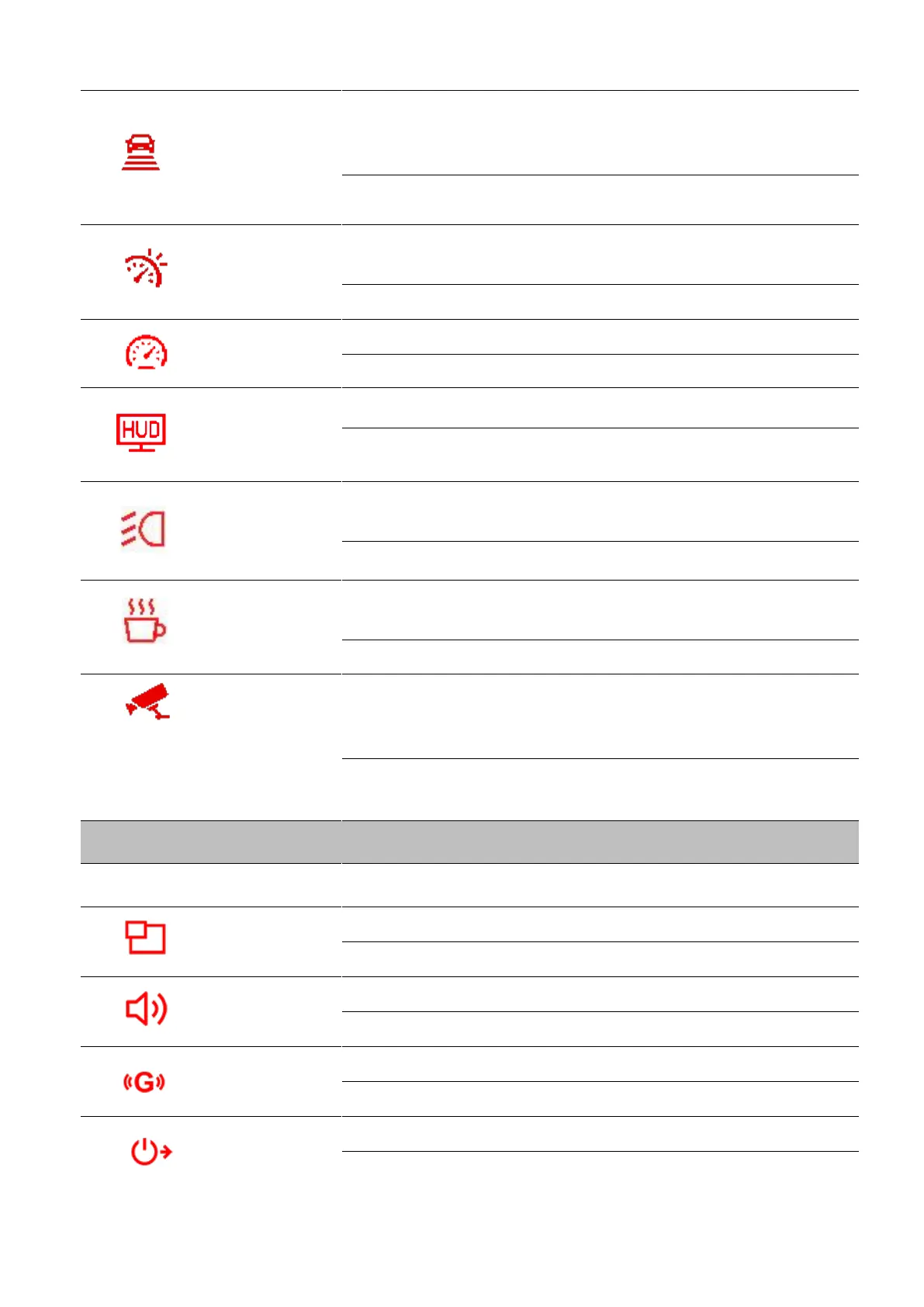
Alert the driver when the vehicle is getting too close to the car
ahead. This function is activated when the driving speed exceeds
the value set ahead.
Disable (default) / 60 kmh ~ 150 kmh (40 mph~85 mph)
Alert the driver with warning beeps if the driving speed exceeds
the value set ahead.
Disable (default) / 60 kmh ~ 150 kmh ((40 mph ~ 85 mph)
Set the measurement unit of speed.
Display the current speed and safety alerts onscreen.
Disable (default) / Enable
When the DrivePro detects poor lighting conditions, the headlight
reminder will automatically activate.
Disable (default) / Enable
Remind the driver of the need to rest after driving for a preset,
driver-determined period of time.
Disable (default) / 1 hour / 2 hours / 3 hours / 4 hours
Determine if a continuous recording is necessary according to
motion detection after the car engine is switched off (this mode will
drain DrivePro’s battery).
Enable / Disable (default)
Display both lenses or the front / rear lens only.
Front / Rear / Both (default)
Set the speaker volume level.
Adjust the sensitivity of the G-Sensor.
Disable / Low (default) / Medium / High
Schedule the DrivePro to shut down at a certain time.
Disable / 10 secs (default) / 30 secs















 To Next Page