10
2. Using the DrivePro™ Body Control Center Client
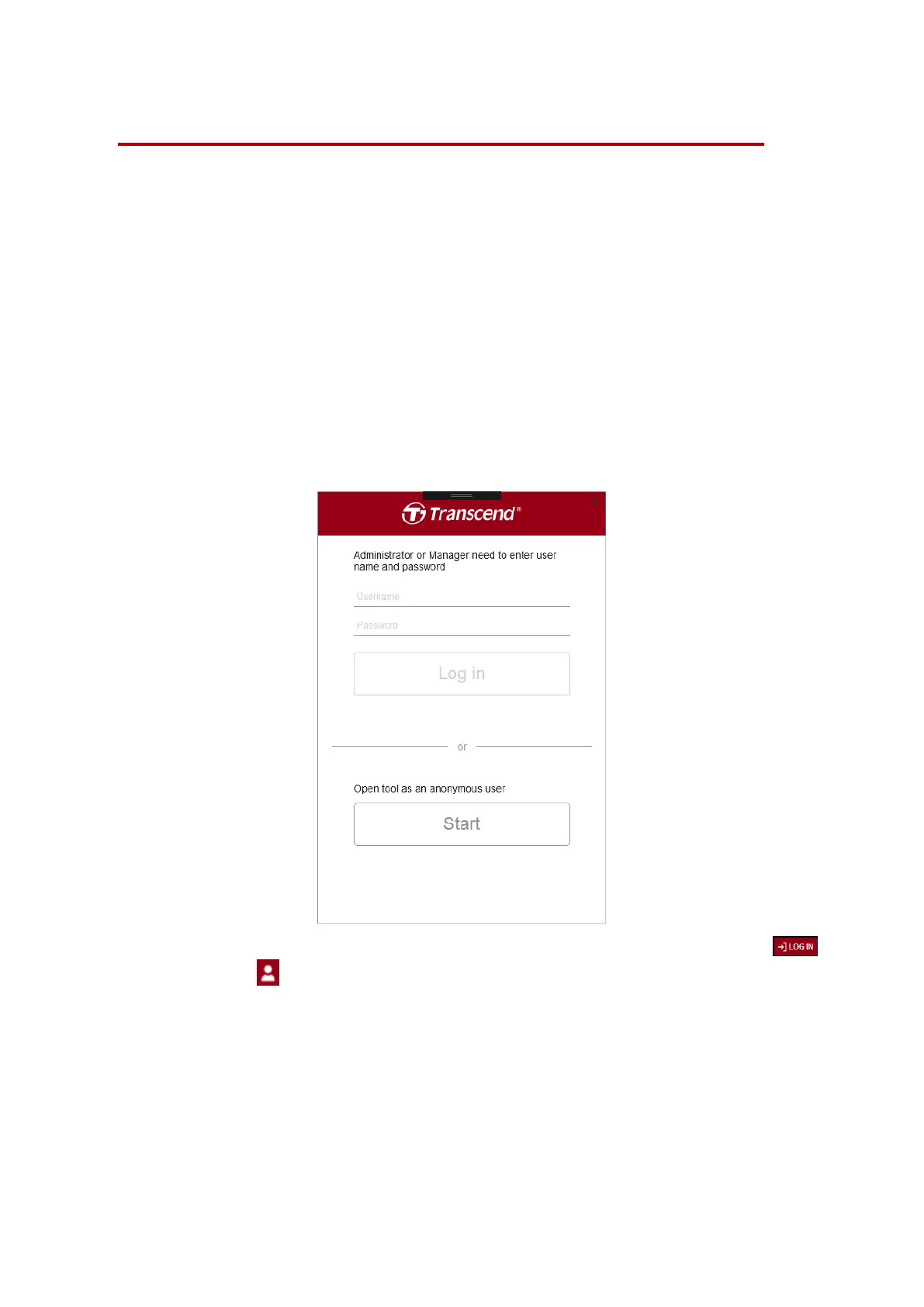
Transcend’s exclusive DrivePro Body Control Center software is a centralized
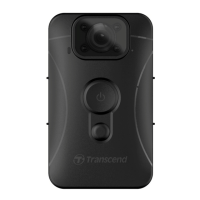
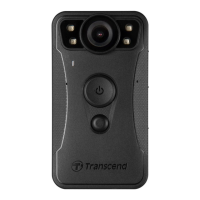
management system developed for DrivePro Body 30 and DrivePro Body 60 body cameras.
The system supports simple file management, account management, and device
management to facilitate deployment of a complete body camera solution.
1. Open the Control Center Client.
2. Log in as Administrator, Manager, or User, or enter the application as an anonymous
user. (The Administrator’s account ID is “admin”, with the default password being
“12345678”.)
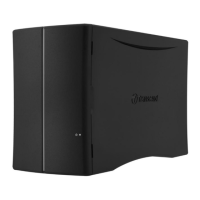
Note: The Control Center Client requires a DBN1 Control Center to be on the same
local network to function.
If you enter the system as an anonymous user, you can log in later by clicking .
3. To log out, click .












 To Next Page