7
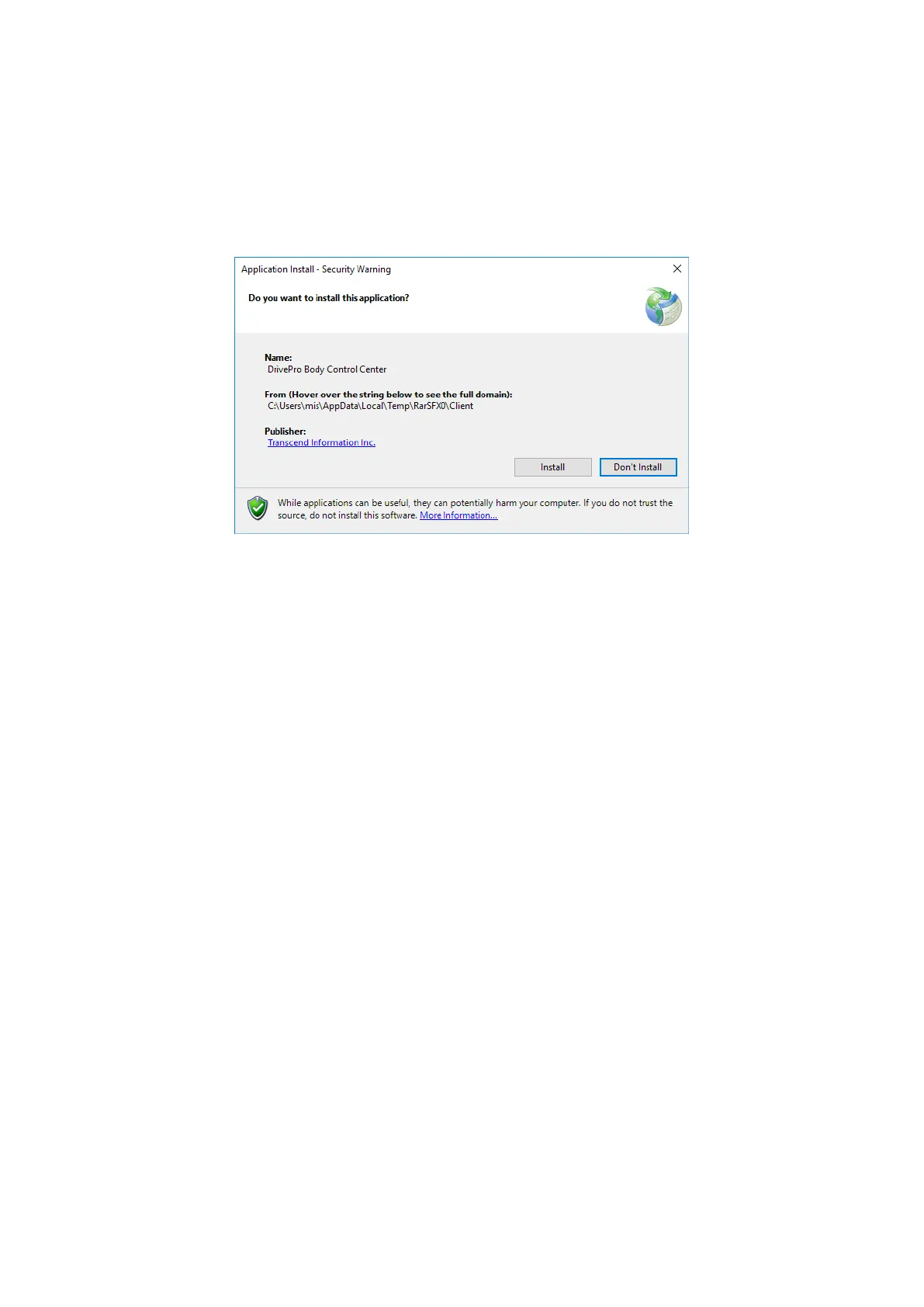
2-3 Downloading and Installing the Control Center Client
1. Download the Control Center Client from the provided download link. On any Client PC,
click and run “Installer.exe”, press “Install”, and wait for the installation progress to
complete.
1. When installation is completed, the software will open automatically.
2. Fill in your DBN1 Control Center’s IP address and click “Connect”, or just click on “Find
Control Center” to search for any connected DBN1 units.












 To Next Page