15
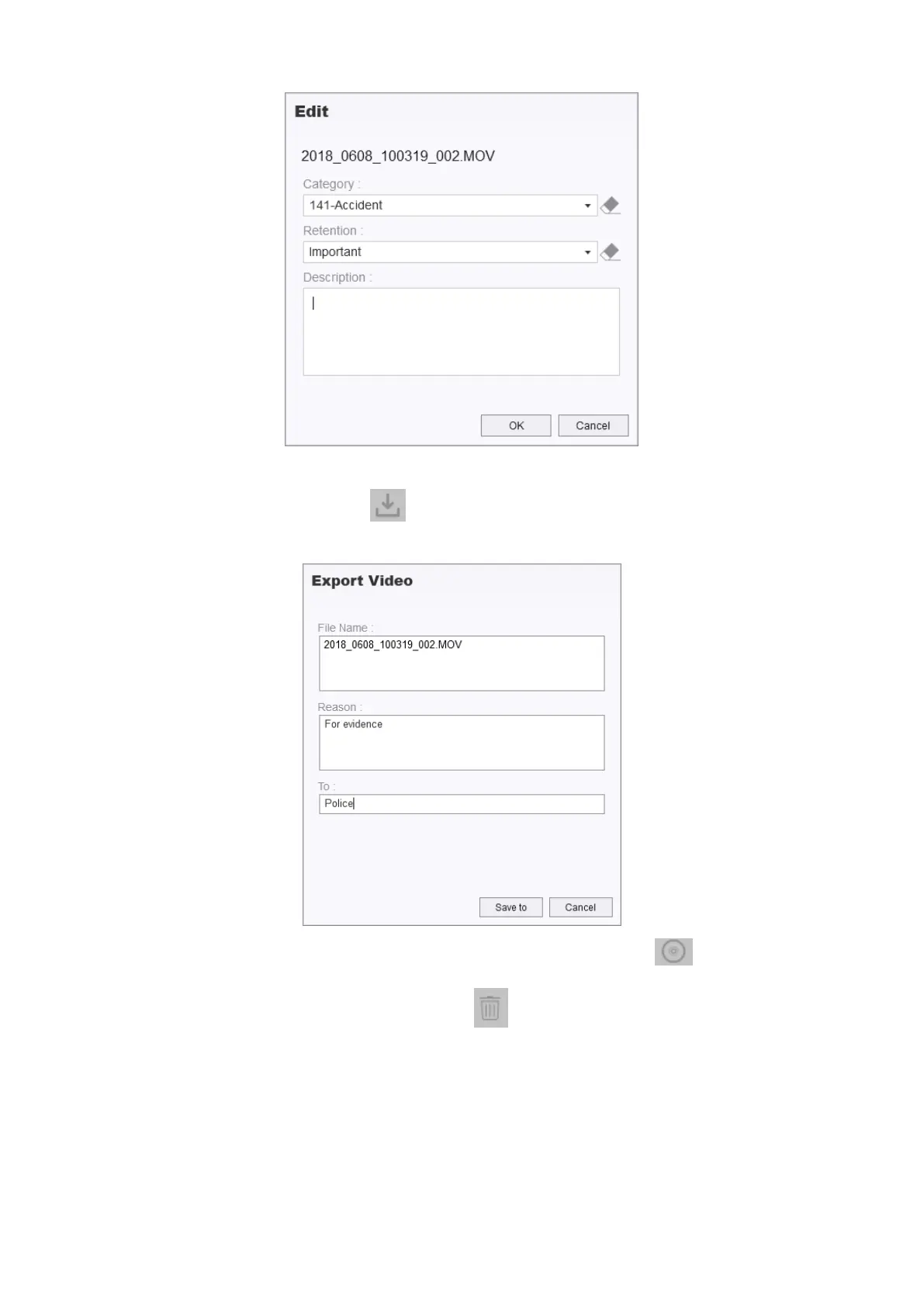
To download a video, click on the icon, and click on “Save to” to export the video to a
desired destination.
You can also select and burn videos to a CD/DVD by clicking on the icon.
To delete files, select the files and click on the icon.
If a video has GPS data embedded, a GPS map will be displayed as shown below.














 To Next Page