9
Music Functions
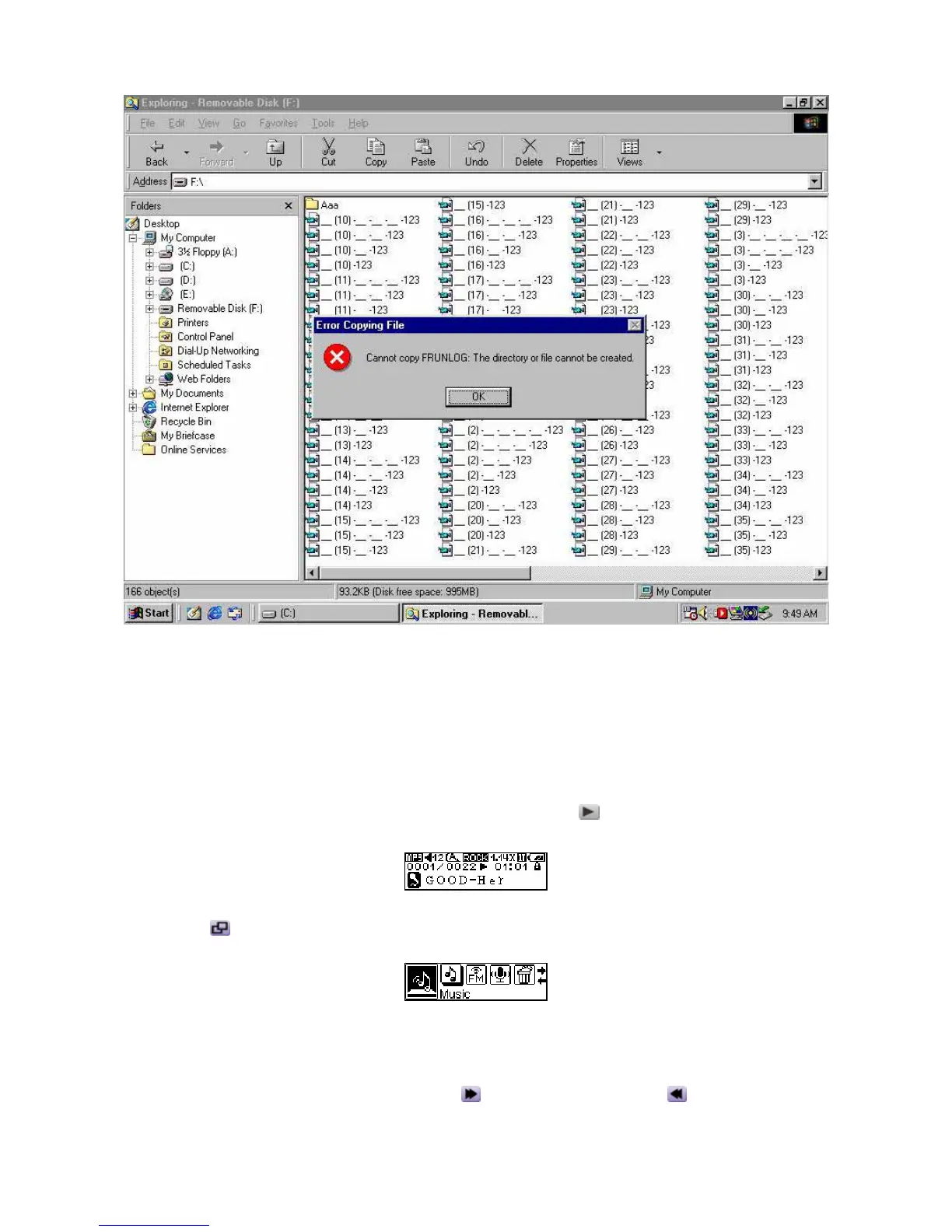
Play MP3/WMA Music
1. When first time press and hold the PLAY-PAUSE/PWR ON button to turn the power on, the
default screen is the MUSIC mode.
You can also select the Music icon in the main menu, and then press the Menu Switch inwards
(Menu)
to enter the MUSIC mode.
2. If there are no MP3 or WMA files available, the “No Files” message will be displayed on the
OLED Display.
3. Push the Menu Switch to the right (Next)
or to the left (Previous) , to select a desired
MP3/WMA file.















 To Next Page