27
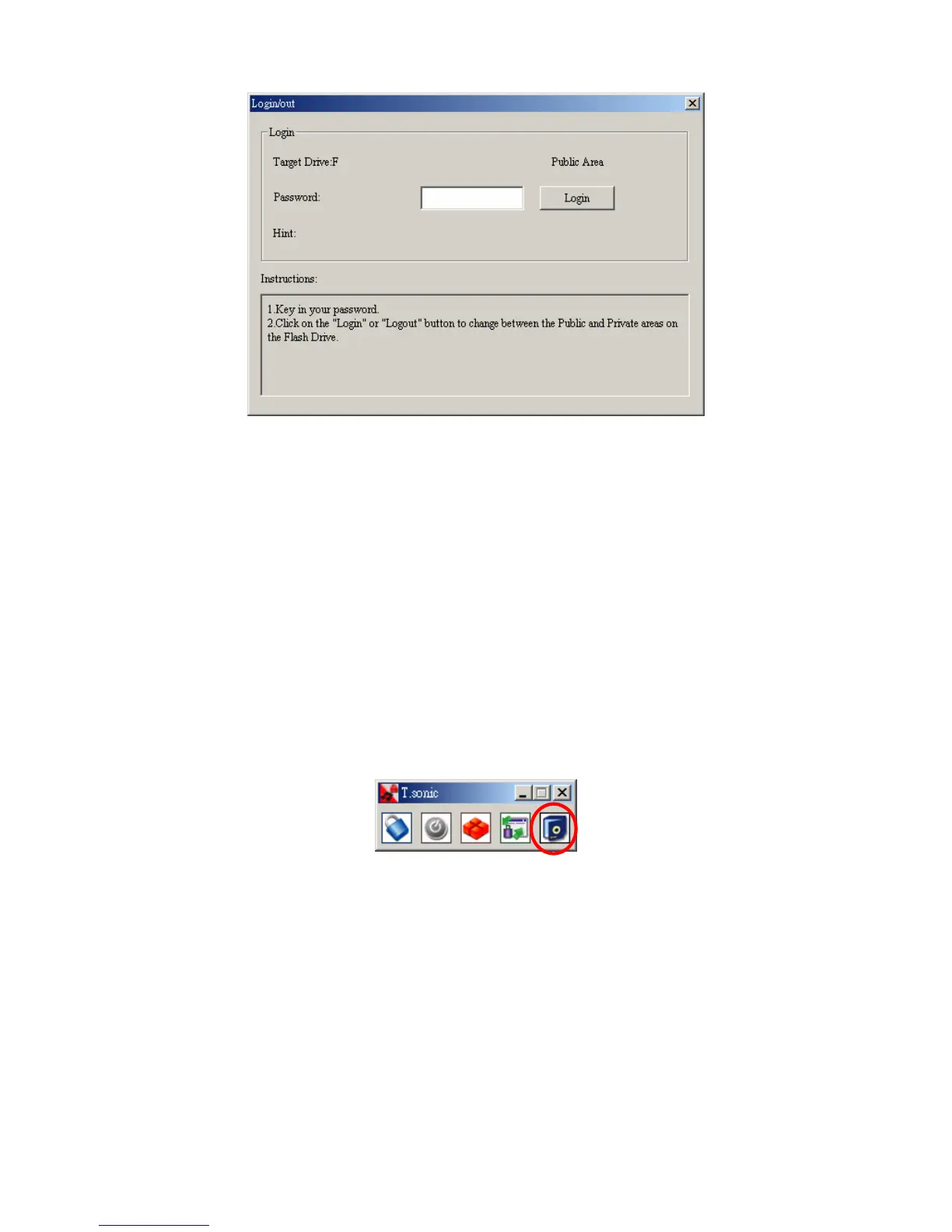
3. Enter the correct password and select Login.
4. The Private Area will now appear and is ready for use.
Log Out of the Private Area
1. Make sure that all files are closed and that no data is being transferred to, or from your
T.sonic™ 520.
2. Click the Logout button in the T.sonic™ 520 Utility window. Once you have
successfully completed the Log Out procedure for the Private Area of your T.sonic™
520, only data in the Public Area will be accessible.
Change Password
1. Select the Password button in the T.sonic™ 520 Utility window.
2. The following window will appear.















 To Next Page