13
Recording Functions
Select Voice Source for Recording
There are 3 kinds of the voice source for recording: FM, Line-In, and the built-in Microphone.
About the FM recording, the previous section has already mentioned.
As for how to select the voice source (Line-In or the built-in Microphone) for recording, please see
the sub-section “Select Recording Device Mode” of the section “Settings” for details.
Record a Voice
1. Once you have pre-selected the recording device, you can begin voice recording.
2. Notice that you should not play any files before recording.
3. Press the A-B/REC
button, and then the voice from the selected device will start recording.
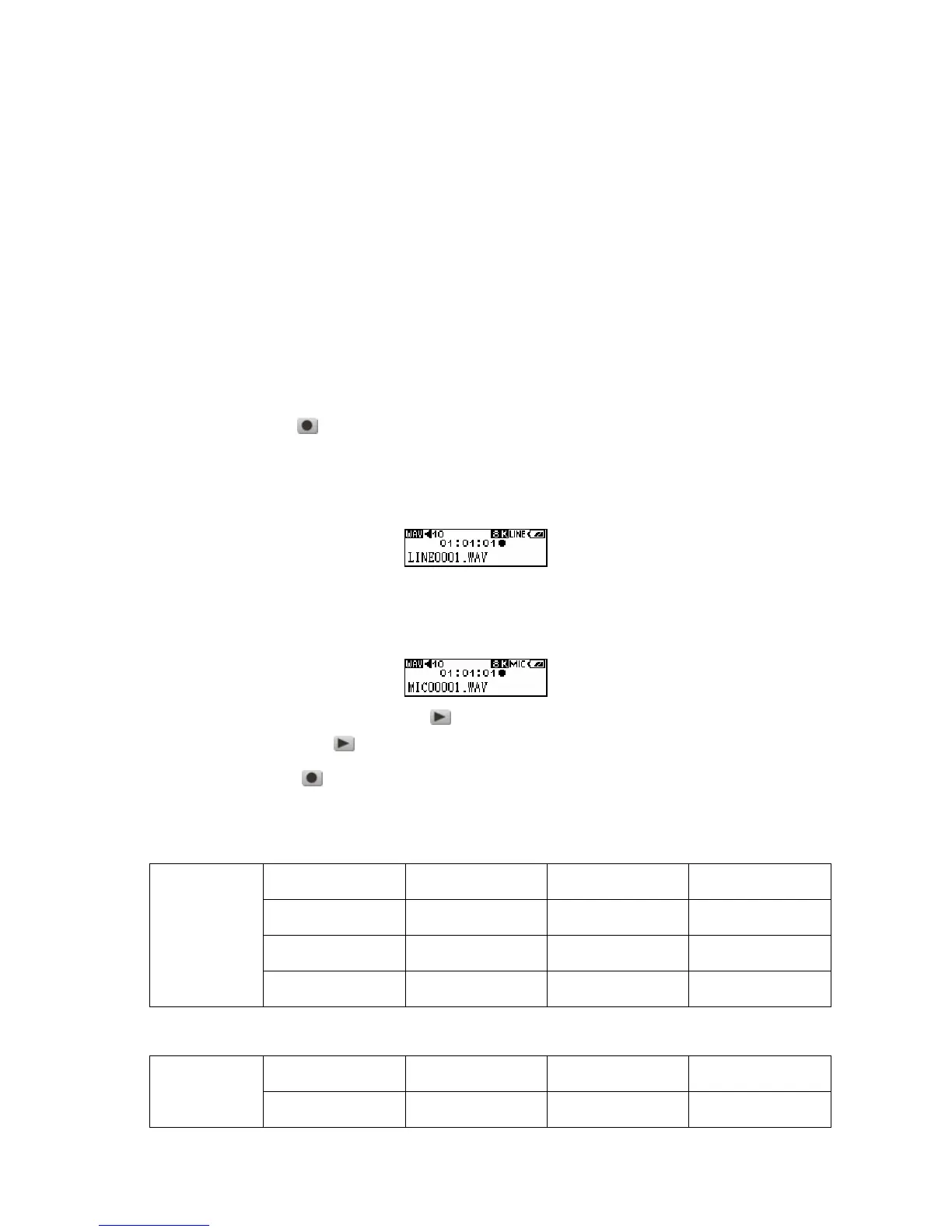
4. If you select the Line-In to be the recording device. On the display, a recording Line-In file is
generated and placed in the folder name of [/LINEIN.DIR/]. The recording file name sequence
starts at [LINE0001.WAV], then [LINE0002.WAV], and so forth.
5. If you select the built-in Microphone to be the recording device. On the display, a recording
Microphone file is generated and placed in the folder name of [/MICIN.DIR/]. The recording file
name sequence starts at [MIC00001.WAV], then [MIC00002.WAV], and so forth.
6. Press the PLAY-PAUSE/PWR ON button to pause the recording, and press the
PLAY-PAUSE/PWR ON
button again to continue.
7. Press the A-B/REC
button again to stop the recording and the display will return to the
VOICE mode screen.
Sample rate Channels 512MB 1GB
8 KHz
2(stereo)
16 hrs 32 hrs
16 KHz
2(stereo)
8 hrs 16 hrs
Line-In Record
32 KHz
2(stereo)
4 hrs 8 hrs
Sample rate Channels 512MB 1GB
Microphone
Record
8 KHz
1(Mono)
32 hrs 64 hrs















 To Next Page