User Guide
Page 10
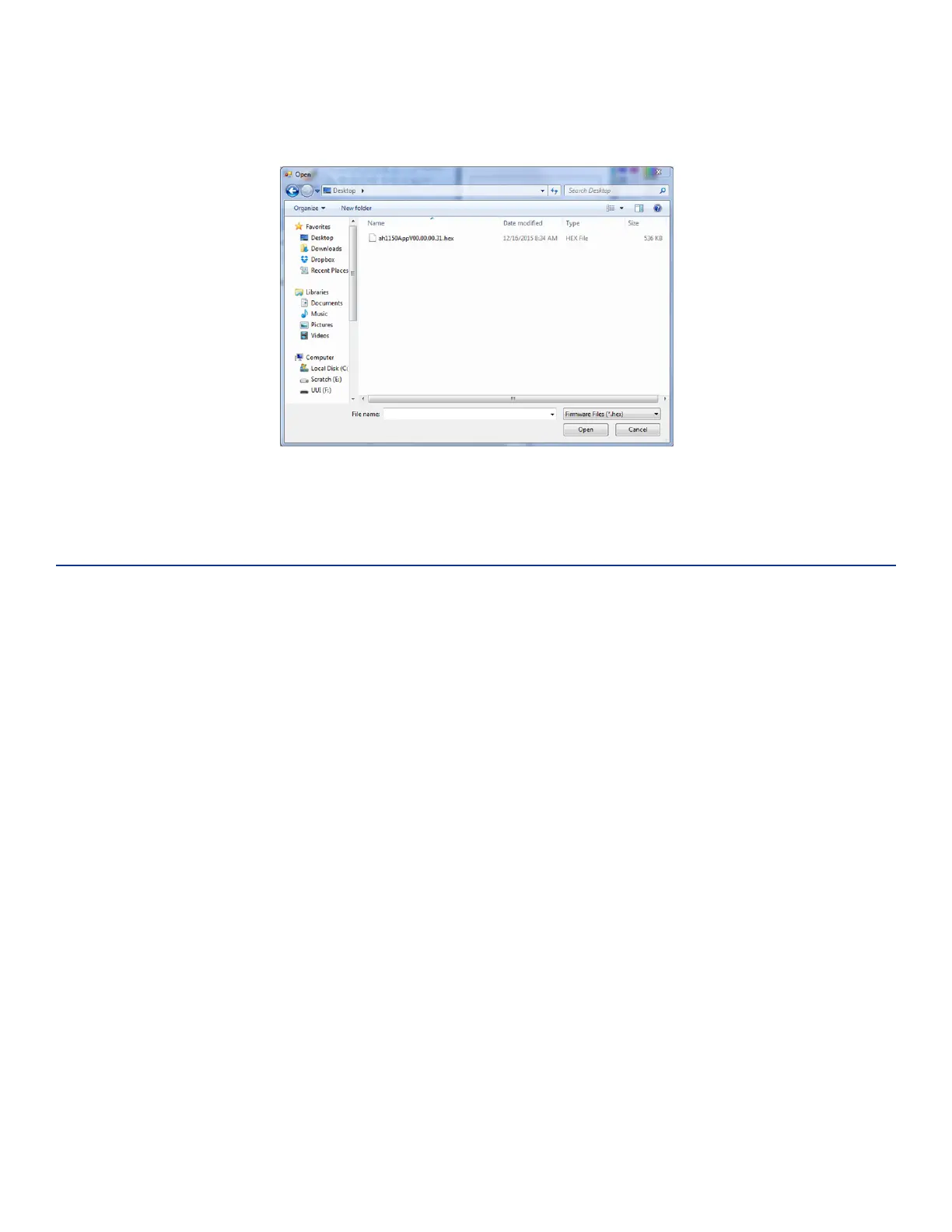
A file explorer window will open. Navigate to the location of the firmware *.hex file (Figure 12).
Allow the process to complete. Exit the program.
Diagnostics
Note: Opening the E1150 case will damage the unit and void any warranties.
Should you encounter trouble when using the E1150 Mobile Reader, perform the following diagnostic
steps:
1. Ensure that the unit is adequately charged, or fully charge the unit.
2. Reposition the tag closer to the front area of the unit and try reading again.
3. Isolate the tag from other tags which might be interfering and try reading again.
4. If steps 1 and 2 do not correct the problem, uninstall then reinstall the host software on the host
computer. If steps 1 through 3 do not correct the problem, contact TransCore technical support for
further assistance.
Figure 12 Updating Firmware



 To Next Page