User Guide
Page 6
Reading Tags with the E1150
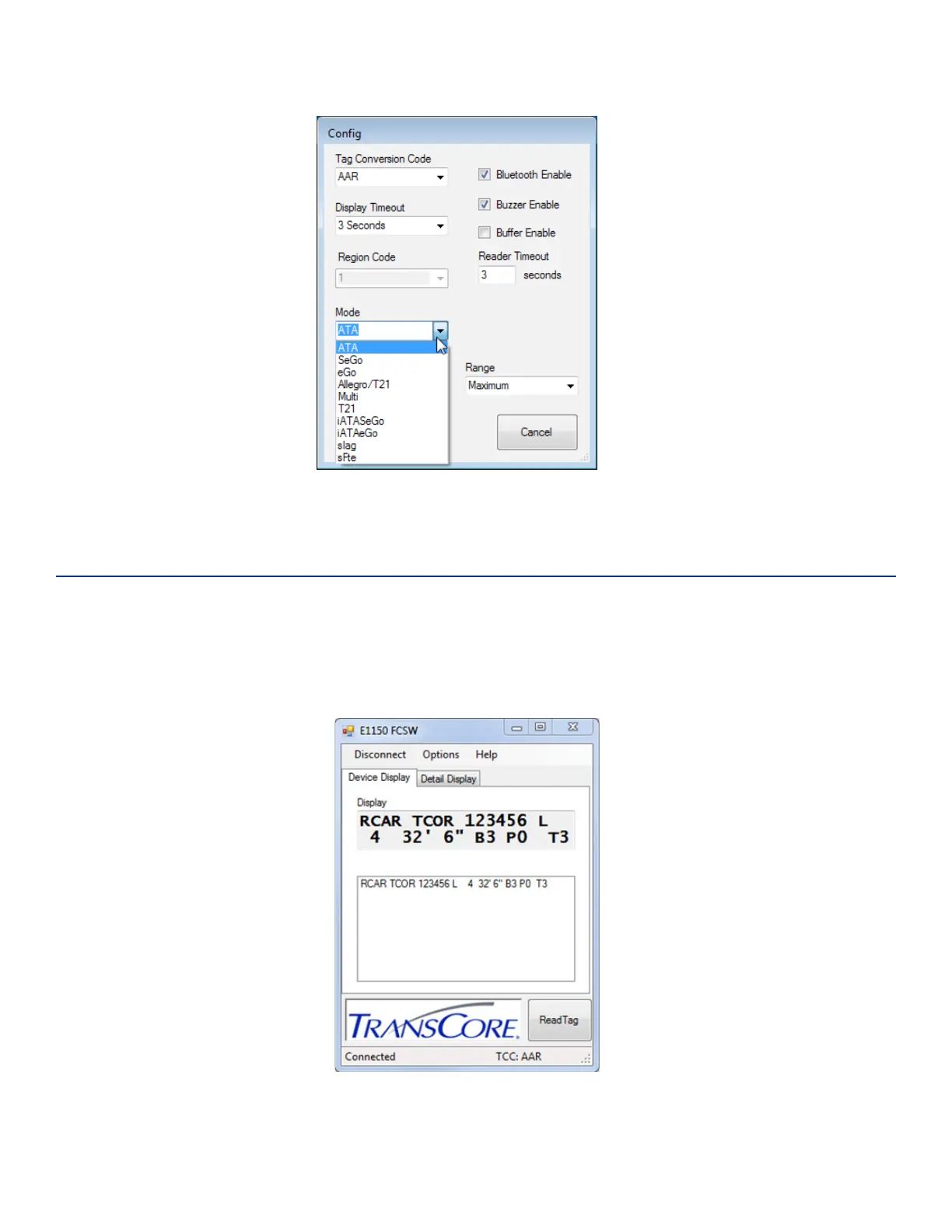
Place the Test Tag in front of the E1150 and push the Scan button located on the unit. Alternatively, from
the host computer, click the Read Tag button on the E1150 FCSW window (Figure 7). Both the E1150 and
the FCSW display window will show the decoded tag data based on the protocol and tag conversion code
configured in the unit. If you prefer a more detailed representation of the tag data, select the Detail
Display tab on the FCSW window, shown in Figure 8.
Figure 6 FCSW Configuration Mode Choices
Figure 7 FCSW Read Tag Results - Device Display



 To Next Page