3200B SERIES OPERATION MANUAL
TRANSMILLE LTD. Page 40
3. PAT: Insulation Testing
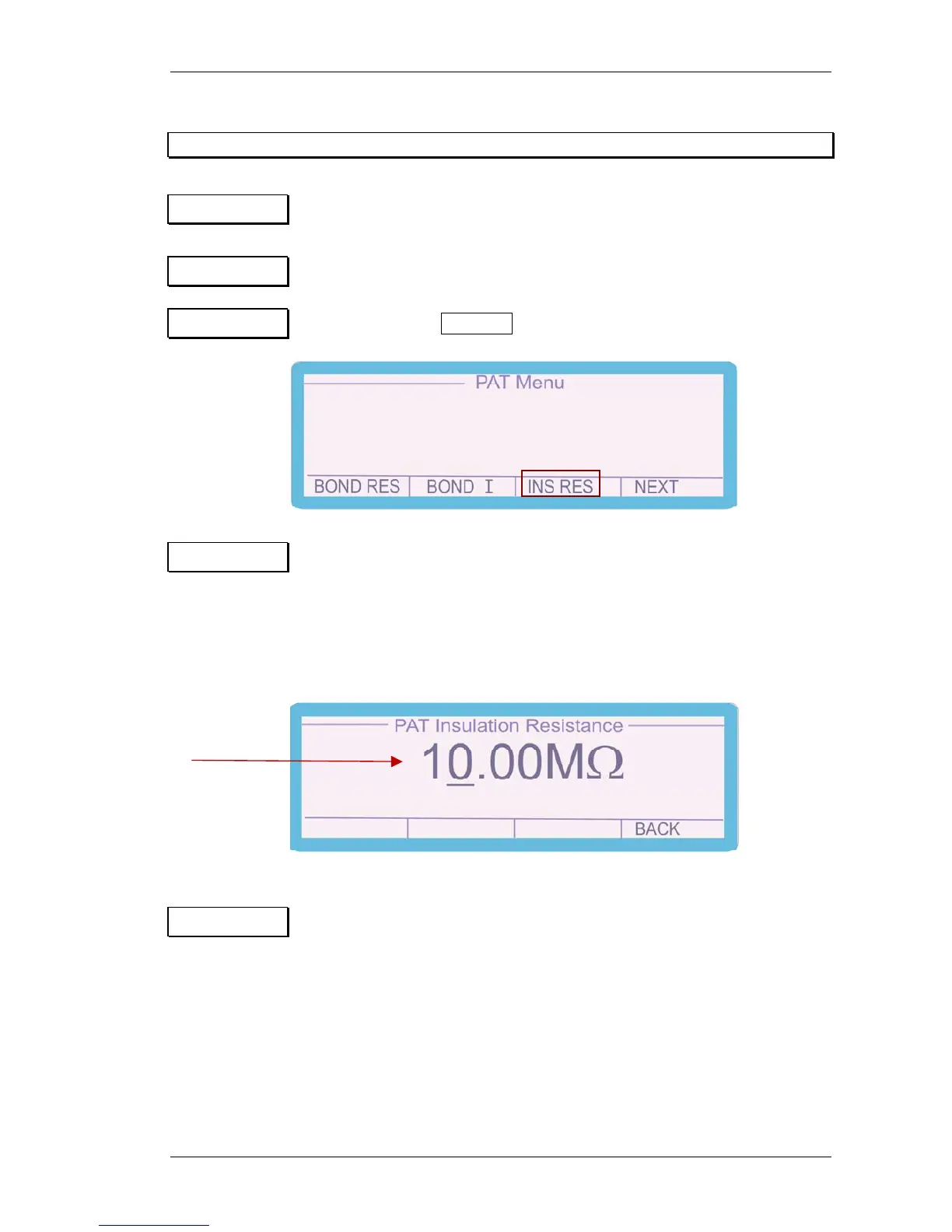
Step 1 Connect the PAT tester to the PAT TEST IEC socket.
Step 2 Select ‘PAT’ from the function key section of the 3200B front panel
Step 3 Press the soft key INS RES to select insulation resistance testing.
Step 4 Enter the required resistance in MΩ from 0Ω to 2,000MΩ (option 10,000MΩ)
on the 3200B keyboard followed by Enter. Alternatively select the
required resistance by using the digital control to increment /
decrement the digit indicated by the cursor. The left and right
arrow keys allow the selected digit to be changed.
Step 5 Press the ‘TEST’ button on the PAT under test and record the value.
Set insulation
resistance value


 To Next Page