3200B SERIES OPERATION MANUAL
TRANSMILLE LTD. Page 45
6. PAT: Leakage
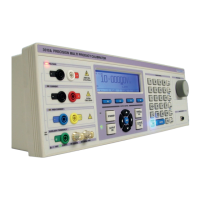
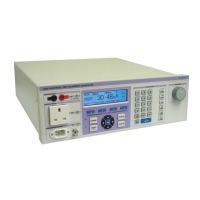
Step 1 Connect the PAT tester to the PAT TEST IEC socket using
using the test lead supplied.
Step 2 Select ‘PAT’ from the function key section of the 3200B front panel
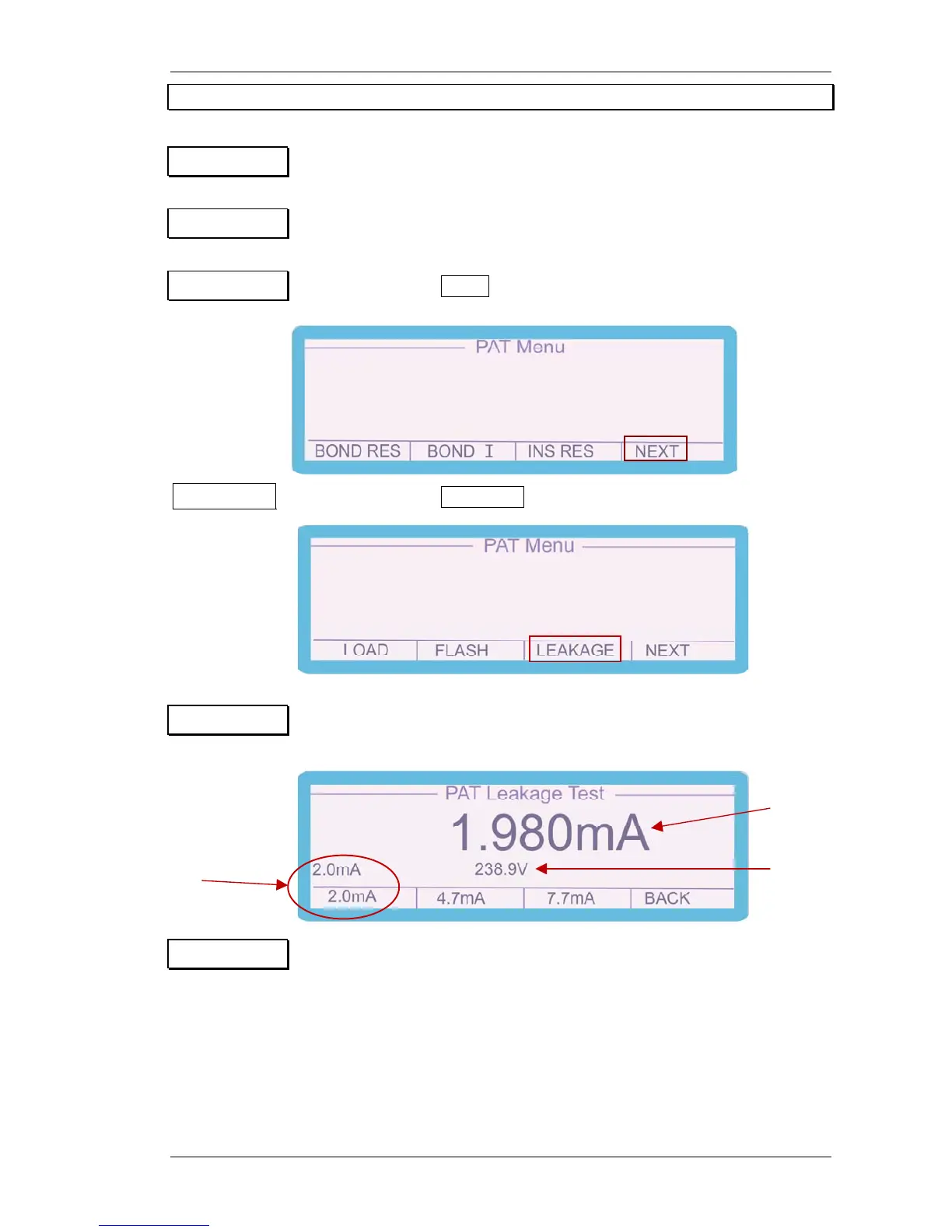
Step 3 Press the soft key NEXT from the PAT Menu screen
Step 4 Press the soft key LEAKAGE from the PAT Menu screen
Step 5 Press the soft keys beneath the on-screen PAT menu to select the
Required leakage current range (2mA, 4.7mA or 7.7mA)
Step 6 Set the PAT under test to leakage mode and instigate the leakage test.
Read the leakage measurement from the 3200B display.
Leakage load (2mA)
Leakage current
Leakage Voltage


 To Next Page