3200B SERIES OPERATION MANUAL
TRANSMILLE LTD. Page 53
When the TEST soft key is pressed on the 3200B front panel, the 3200B
pre-tests the LOOP tester to detect faulty devices. Should a faulty
device be detected the output will be automatically switched off and a
fault message will be displayed on the 3200B display.
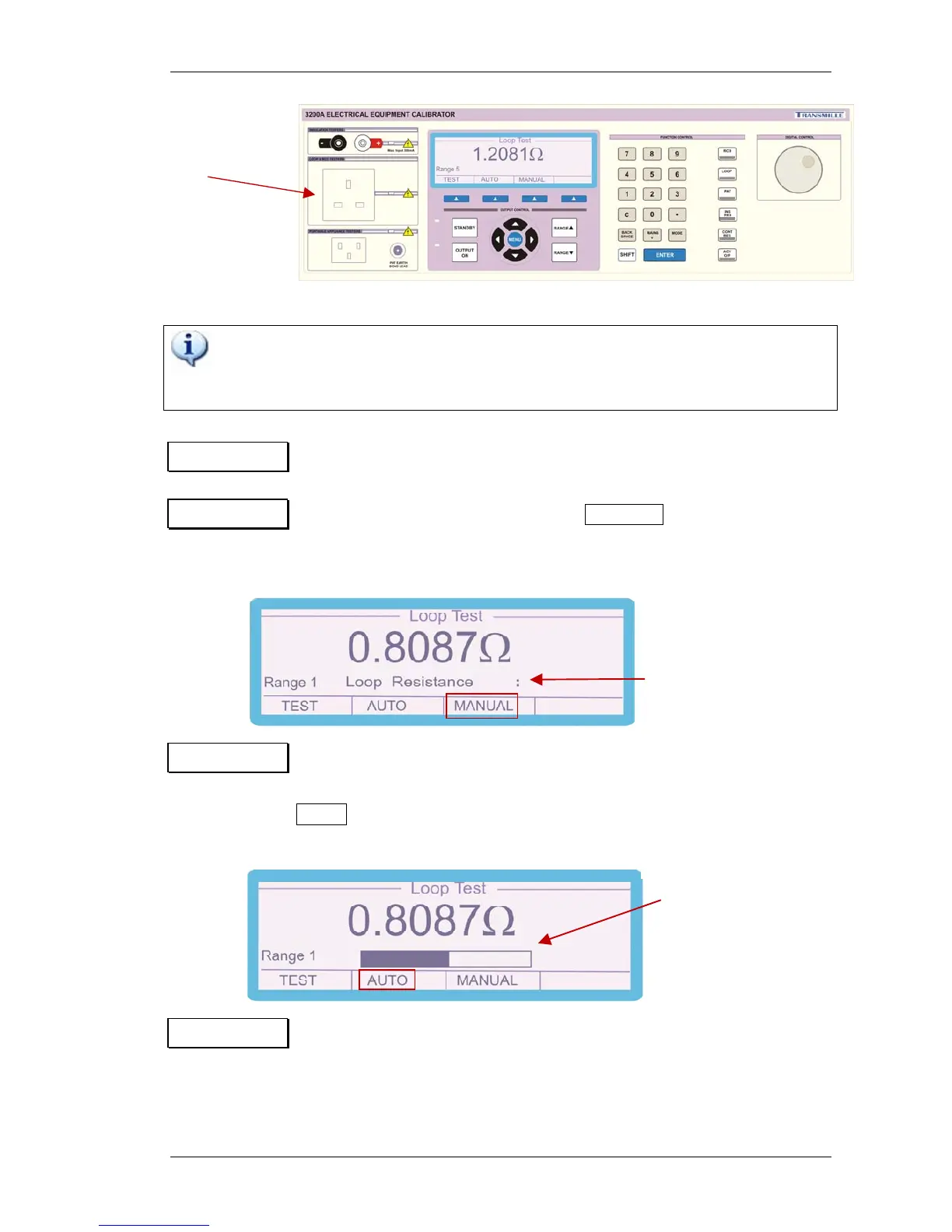
Step 1 Select ‘LOOP’ from the function key section of the 3200B front panel
Step 2 For manual loop input press soft key MANUAL and enter the measured
loop resistance value as measured at the 3200B output socket using
the numeric keypad followed by the enter key.
Step 3 For Auto Loop measurement ensure that the output socket of the 3200B
Is not connected to any instrument i.e. loop tester, press the soft key
AUTO the instrument will perform the auto loop function as shown
below the 3200B is then ready to be used.
Step 4 Connect the LOOP tester to the LOOP & RCD TESTER socket.
Select the required resistance value using either the range up /
range down buttons or by incrementing / decrementing the
range using the digital control.
Use the socket marked
Loop & RCD Testers to
perform RCD tests.
Enter loop resistance value Ω


 To Next Page