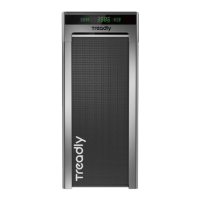
Treadly 2 has three modes of control
Emergency Stop Button
Located in the middle of the handrail, you will see a large red button. If you encounter an
emergency while using Treadly 2, press the emergency stop button and the unit will come to a halt. !
To restart Treadly 2, turn off the emergency stop by closing the latch underneath of the handrail and
then press the START button on the handrail to start.
Turn off the emergency stop switch after powering on
the Treadly. If the emergency stop switch is not turned
off, the unit will not start. The emergency
EMERGENCY STOP button will continue to flash.!
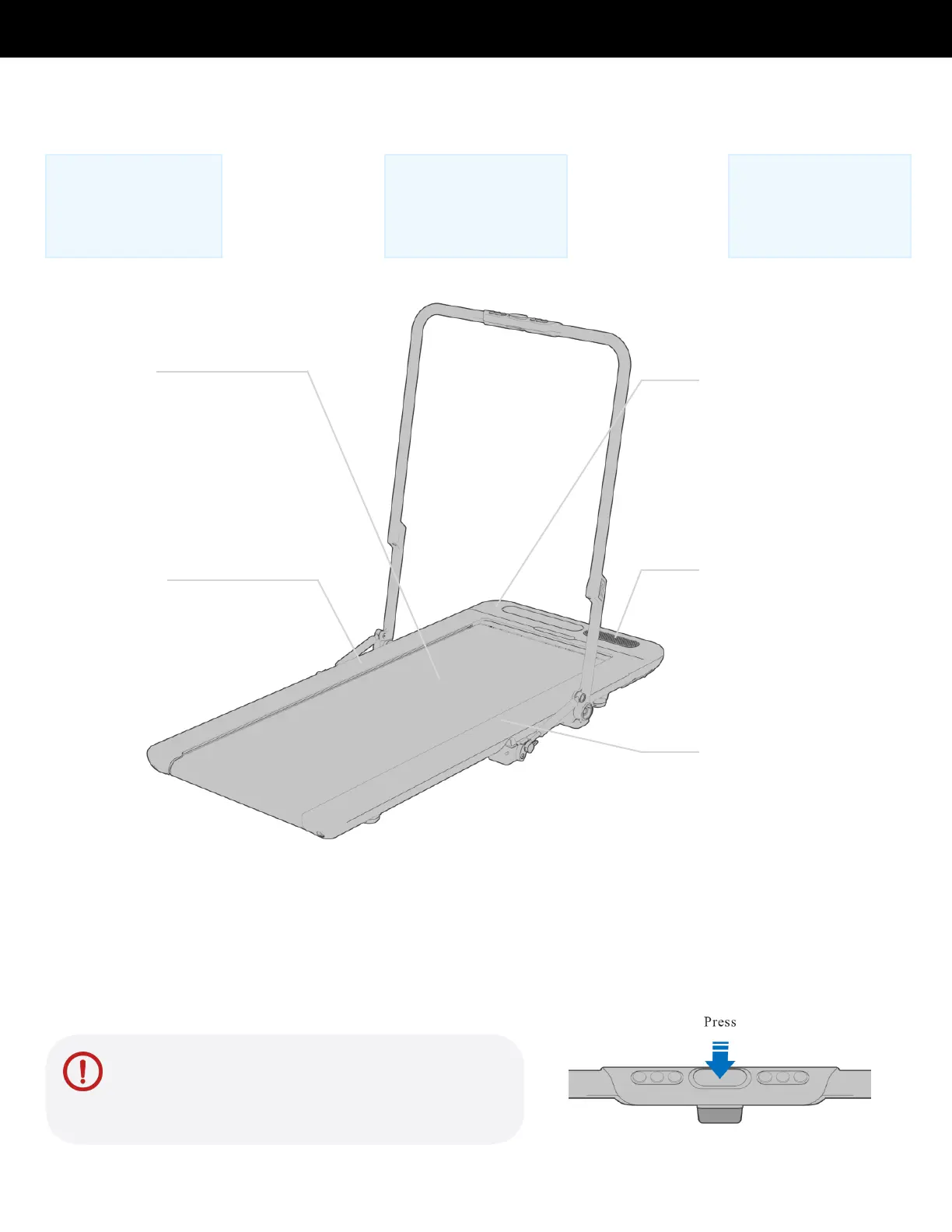
Walking belt !
Warm up before you begin your
exercise, check the belt’s
condition prior to use, adjust the
tightness and perform the
lubrication maintenance on time.
Left side strip
The side strips are fixed on both
sides of the walking belt, allowing
you to safely straddle the Treadly
during start-up or an emergency.
Bluetooth speaker
Located on the right side of
the motor. Connect the
speaker to your phone
using the Bluetooth and
stream music using your
favorite app.
Motor cover
Do not cover it to avoid the
motor overheating and
causing malfunctions or
damages. Do not step on
or jump on the motor cover.



 To Next Page