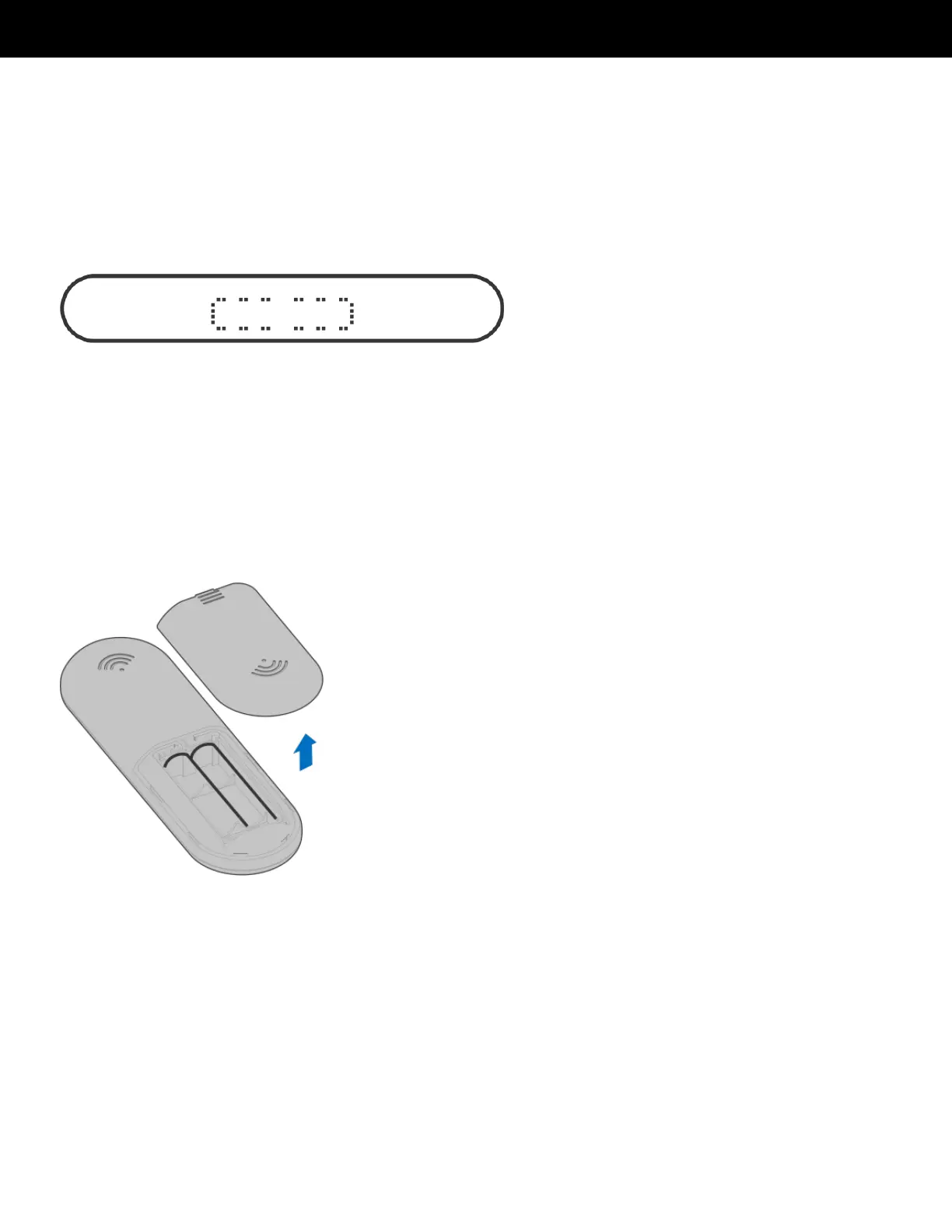
The first time you use the remote control, follow these steps:!
1. Power off the Treadly.!
2. Simultaneously power on the Treadly from the remote, and turn the power
switch located at the base of the Treadly.!
3. Press and hold any button on the remote control for more than five seconds.!
4. Treadly will react and show the following figure on the display window:!
5. If the figure above does not appear on the Treadly's display window, repeat % !
these steps until it does appear.!


 To Next Page