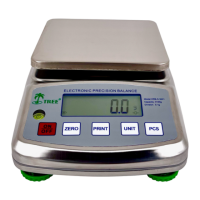
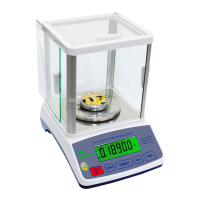
K-Series Scale Operation Manual
Rev 2, 12_16_2015 16
Weighing Procedures
Press the “On/Off” key to turn on the scale.
Press the “Unit” key to select a unit of measure (kg, g, lb., oz, lb:oz).Once the unit
has been selected, the selected unit will be displayed next to the weight value.
If you do not use a container (or the supplied bowl), verify the reading is “0”
If the display does not show “0”, press the “Zero” key to display “0”
Place your item (s) to be weighed on the platform.
If you do use a container (or the supplied bowl):
Place an empty container (or the supplied bowl) on the platform
Wait for the weighing value to stabilize
Press the “Tare” key to display “0” with tare
Place your item (s) to be weighed in the container or bowl, the display will show
the net weight of the item (s) to be weighed.
Once finished take the item (s) and container off the scale and press the “Tare” or
“Zero” key to return to zero.
Calibration
In order to ensure exact measurements, it is recommended that the balance should be
calibrated regularly using a known external calibration weight, as with time and use,
mechanical deviations may occur.
Calibration may also be required when the scale is initially installed. Follow the
procedures below to calibrate.
Press and hold the “Unit” key and at the same time press the “On/Off” key. The
display will show CALu=. The scale is now in Calibration Mode.
Press the “Unit” key to toggle between setting units (For KHR-500, KHR-3001,
KHR-6000 are kg, g, lb, oz. For KHR-123 is g, mg, dwt, ozt, gn).
Press the “Zero” key to initiate the calibration process.
Enter the weight of your calibration weight by using the “Unit” key to toggle
between digits, and use the “Tare” key to increase each digit until the display
flashes your test weight amount.
Press the “Zero” key and the display will now show CAL then AD value.
Then press the “Unit” key and the display will show the flashing calibration
weight.
Place your test weight on the platter. Wait for the Stable Indicator to be
displayed. Press the “Unit” key and the display will return to the AD value.
Take the calibration weight off the platter and press the “On/Off” key to turn off
the scale. The calibration is now complete
Turn the scale back on. The scale will now be in Weighing Mode. Place the
weight on the platter to ensure the scale is weighing correctly. If not, turn the
scale off and repeat the calibration process again


 To Next Page