65
EN
U
minipool Quarz
Use
Exiting Priming Mode
You can manually exit priming mode by pressing the
“Warm” or “Cool” button. Note that if you do not
manually exit the priming mode as described above,
the priming mode will be automatically terminated after
4-5 minutes. Be sure that the pump(s) have been primed
by this time.
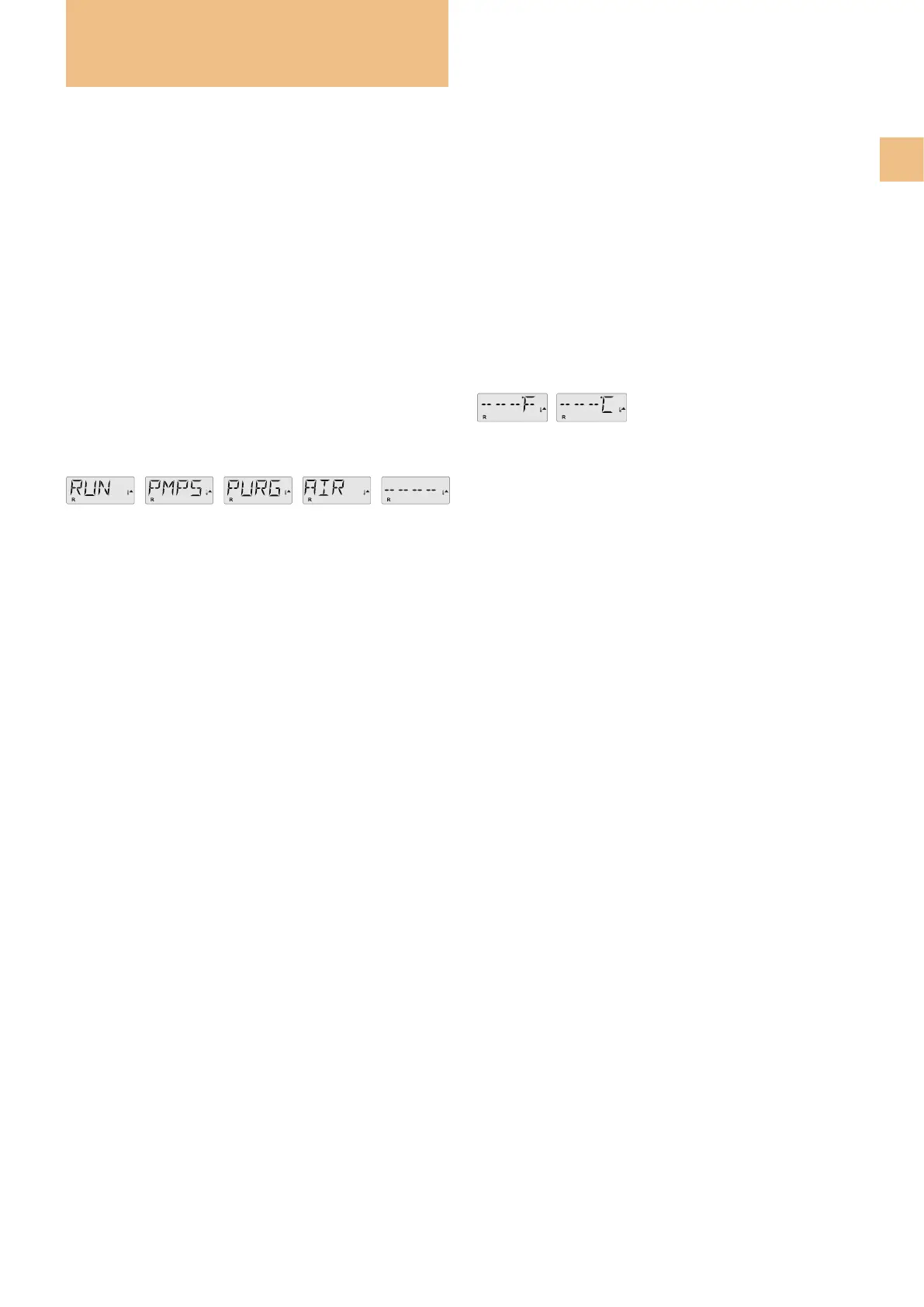
Once the system has exited Priming Mode, the top-side
panel will momentarily display the set temperature but
the display will not show the water temperature yet, as
shown below.
This is because the system requires approximately 1
minute of water owing through the heater to determine
the water temperature and display it.
FILLING THE SPA
Preparation and Filling
Fill the spa to its correct operating level. Be sure to open
all valves and jets in the plumbing system before lling to
allow as much air as possible to escape from the plumbing
and the control system during the lling process.
After turning the power on at the main power panel, the
top-side panel display will go through specic sequences.
These sequences are normal and display a variety of infor-
mation regarding the conguration of the hot tub control.
Priming mode - M019*
This mode will last for 4-5 minutes or you can manually
exit the priming mode after the pump(s) have primed.
Regardless of whether the priming mode ends automati-
cally or you manually exit it, the system will automatically
start normal heating and ltering at the end of the priming
mode.
During the priming mode, the heater is disabled to allow
the priming process to be completed without the pos-
sibility of energizing the heater under low-ow or no-ow
conditions. Nothing comes on automatically, but the
pumps can be energized by pushing the “Jets” buttons.
If the spa has a Circ Pump, it can be activated by pressing
the “Light” button during Priming Mode.
Priming the Pumps
As soon as the above display appears on the panel, push
the “Jets” button once to start Pump 1 in low-speed and
then again to switch to high-speed. Also, push the “Jets
2” button, if you have a 2nd pump, to turn it on. The
pumps will now be running in high-speed to facilitate
priming. If the pumps have not primed after 2 minutes,
and water is not owing from the jets into the spa, do not
allow the pumps to continue to run. Turn off the pumps
and repeat the process.
Note: Turning the power off and back on again will initiate
a new pump priming session. Sometimes momentarily
turning the pump off and on will help it to prime. Do not
repeat the operation more than 5 times.
If the pump(s) will not prime, shut off the power to the
spa and call for service.
Important: a pump should not be allowed to run if prim-
ing has not been completed. Under NO circumstances
should a pump be allowed to run without priming beyond
the end of the 4-5 minute priming mode. Doing so may
cause damage to the pump and cause the system to
energize the heater and go into an overheat condition.


 To Next Page