17
EN
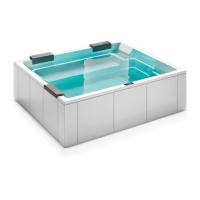
Shadow minipool
2
FIRST RUN
After turning the power on at the main power panel, the
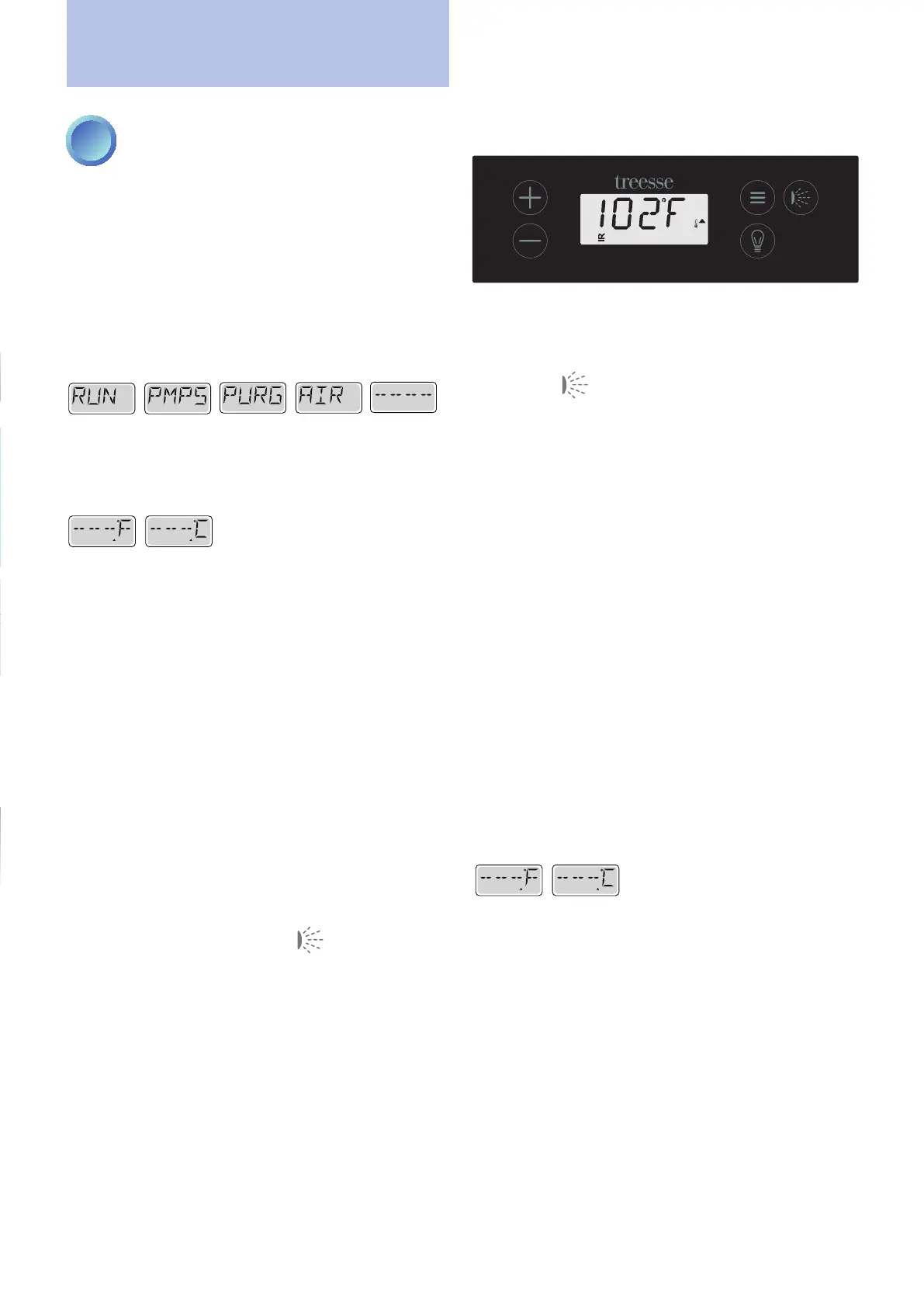
top-sidepaneldisplaywillgothroughspecicsequences.
This sequence displays a variety of information regarding
thecongurationoftheminipool.
PRIMING MODE
This procedure lasts 4-5 minutes, during which the
heating is deactivated to prevent any overheating in case
oflowornon-existentow.
You can exit the mode manually even before the end of
the 4-5 minutes by pressing one of the temperature keys
+ or -. In this case the display will show:
READY
RANGE
o
READY
RANGE
NB: we recommend you complete the priming proce-
dure without forcing an exit, in order to guarantee the
correct operation of the systems and pumps.
Oncetheprocedureisnished(4/5minutes),iftheprobe
detects a water temperature lower than the set one, the
heater will automatically activate and consequently also
the circulation pump (low speed pump), that will remain
active until the water has reached the set temperature.
Regardlessofwhetheryouwaitfortheprimingtonish
or exit manually before it is completed, the system will
automaticallyreturntoheatingandlteringnormallyonly
when the process has completed.
During the priming procedure it is possible to activate
the pump pressing the “Jet” key .
If your minipool has a recirculation pump, (also external
RP) it is possible to activate it by pressing the Light” key
during the priming process.
First run
Main page
PRIMING THE PUMP
As soon as the control panel display lights up, press the
"Jet" button once to activate the pump at low speed
and press it a second time to increase the speed.
If the pump is not initialized after two minutes and the
water does not come out, turn off the pump and repeat
the process.
Turning the power off and back on again will initiate a
new pump priming session.
Sometimes momentarily turning the pump off and on will
help it to prime.
Do not repeat the operation more than 5 times.
If the pump cannot be primed, switch off completely and
call a Service Centre.
Important: It is not allowed to operate a pump without
the priming process being completed. Doing so may
overheat the system and damage the pump.
Exiting Priming Mode
It is possible to manually exit the priming mode by press-
ing one of the temperature keys, otherwise the priming
process ends automatically after 4-5 minutes. Be sure that
the pump has been primed within this time.
When the system exits priming mode, the display shows
the following.
READY
RANGE
o
READY
RANGE


 To Next Page