E.16
First Use- after ReStart or Battery Install
1. ENG displays. Press <Mode> to scroll the
language options.
2. Press <Set> to select. SET WHL displays,
then a wheel size.
3. Press <Mode> to scroll wheel sizes.
4. Press <Set> to select wheel size see page 12 for
Custom option). SET M/KM dispays, followed by MI.
5. Press <Mode> to scroll between MI and KM.
6. Press <Set> to choose.
After selection is made with <Set>, DONE displays, then the com-
puter returns to normal operation.
Set Custom Wheel Size (optional)
Determine the actual Wheel Size
A rollout test determines the actual wheel circumference for
computer calibration. Perform the roll-out test on a hard, at
surface such as a garage or basement oor. Make sure the tires
are properly inated. For the highest level of accuracy, the rider
should be on the bike during roll-out.
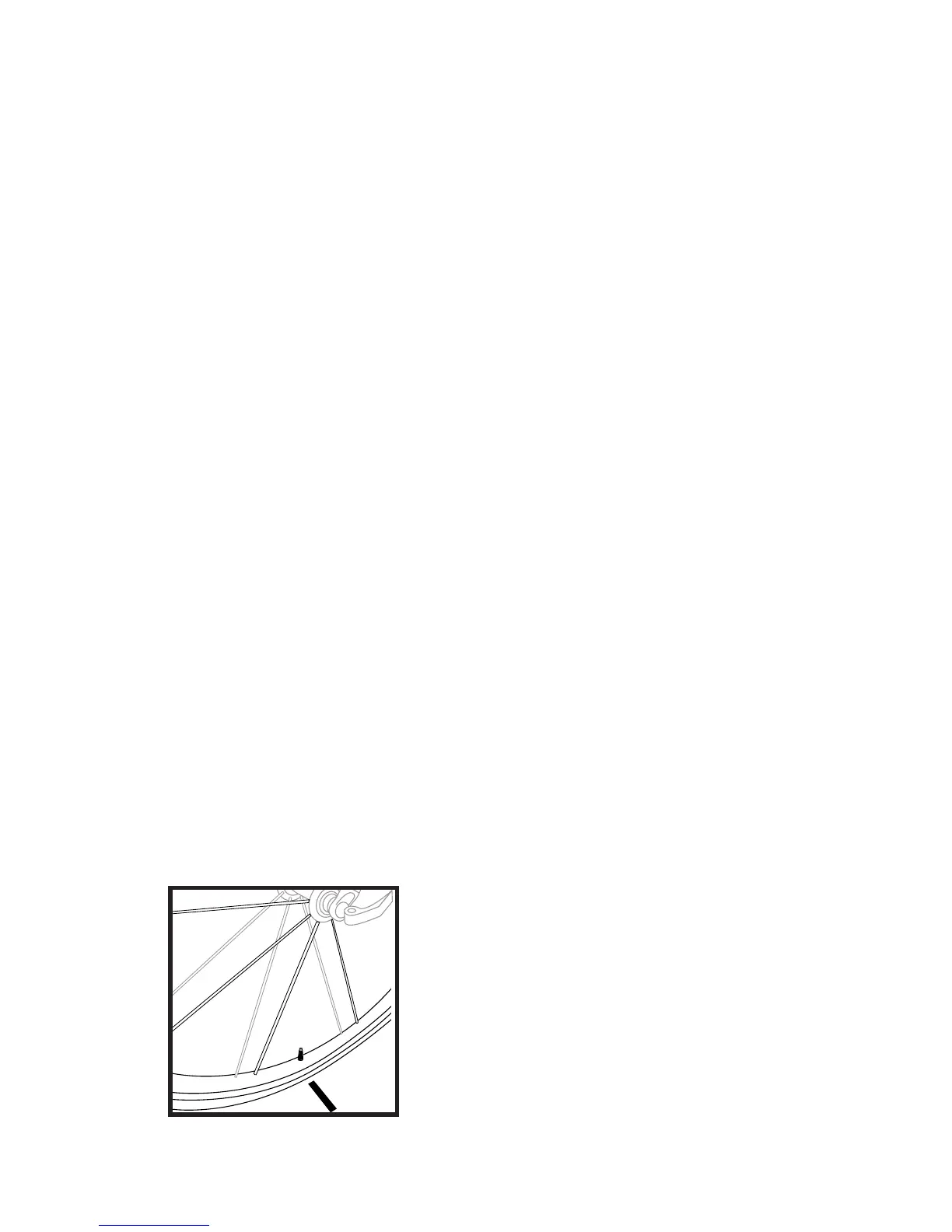
1. Position your bike so that the front wheel
valve stem is at its bottom-
most position.
2. Mark the ground
directly under the valve stem
with chalk or a piece of tape
(Fig. 24).
3. Roll the bicycle forward
in a straight line until the wheel



 To Next Page