E.4
Upper Display (scroll with Set button)
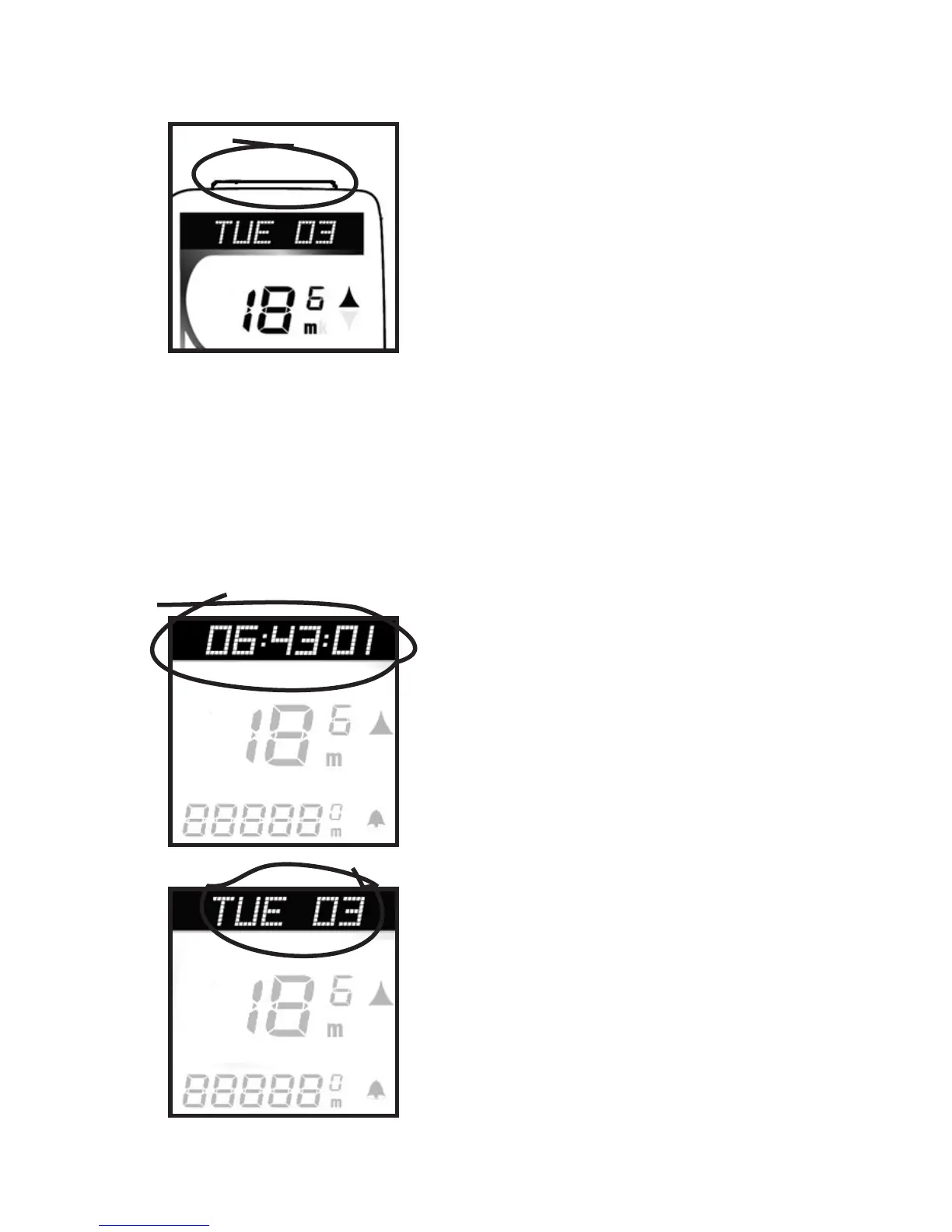
SET button (Fig. 3). Used
to scroll through features on
upper screen lines. Also used
in Reset of computer, referred
to as <SET>.
RIDE TM - Ride Time (Fig. 4). 99:59:59 max-
imum hours. Time since Start or ReSet, dis-
played in MM:SS for first hour (SS flashes), then
HH:MM. Begins counting automatically when
computer receives signal that wheel is turning,
turns off after 2 seconds of
no signal. Rollover to zero
after 100 hours (which also
resets AVG SPD, TRP DST, and
MAX SPD).
DAY/DT- Today’s date (Fig.
5)- three letter day of the
week, two digit date.
Fig. 3
Fig. 4
Fig. 5



 To Next Page