8 System settings
1
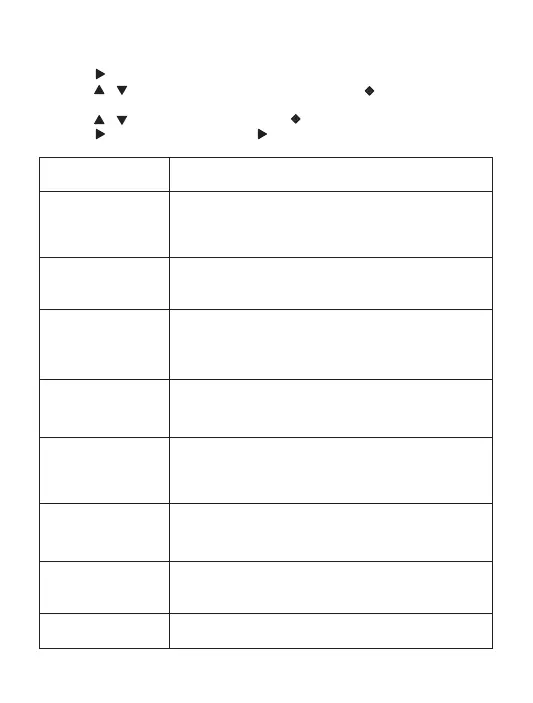
Press to enter system settings menu.
2
Press / to toggle through the sub-menus and press to enter the
sub-menu.
3
Press / to select an option and press to confirm.
•
Press to exit the sub-menu, press again to exit the system setting menu.
• You can adjust the following settings:
Date/Time
Auto Power Off
Beep Sound
Language
Frequency
Select a language.
•
German
Portuguese
•
• Italian
• Simplified Chinese
•
• Traditional Chinese
French
English
•
• Spanish
Screen Saver
Turn off driving recorder in a period of time.
• Off
• 3 Min
• 5 Min1 Min
•
• 1 Min
• 10 Min
•
5 Min
3 Min
•
Format
Default Setting
Version
Set date and time.
• Off
Reset to default settings.
• Cancel
• OK
The current software version.
Turn on/off Screen Saver.
Select the frequency.
• 50Hz
• 60Hz
Format the micro SD card.
• Cancel
• OK
Turn the beep sound on or off.
• On
• Off
08


 To Next Page