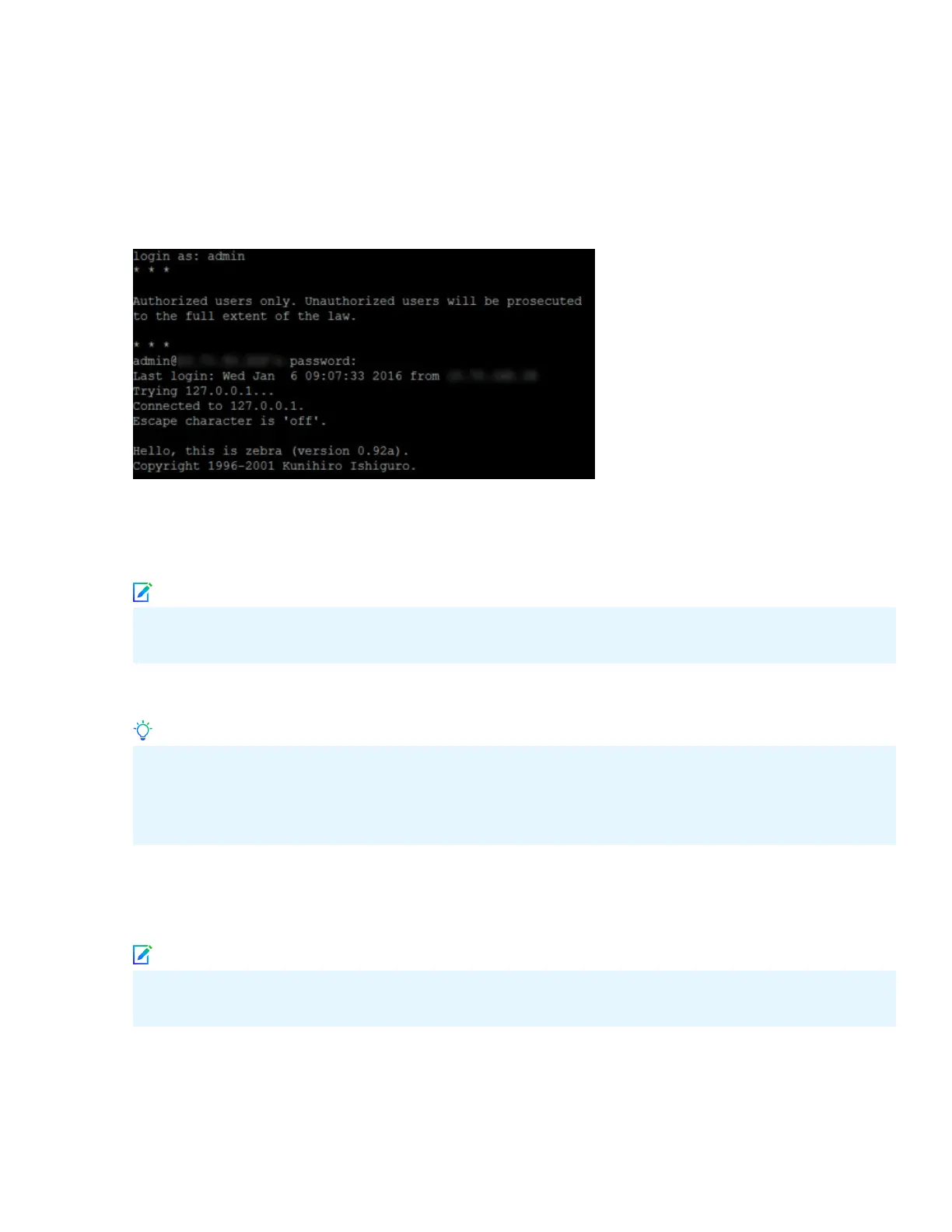
At any time during conguration, you can type a question mark (?) to get help on the Sensor CLI commands.
Type commands for a list of all commands.
a Log on to the Sensor using the terminal connected to the Console port.
b At the prompt, log on using the default Sensor user name (admin) and password (admin123).
c (Optional, but recommended) Change the Sensor password. At the prompt, type passwd. The Sensor
prompts you to enter the new password and aks you for the old password.
Note
A password must contain between 8–25 characters, is case-sensitive, and can consist of any
alphanumeric character or symbol.
d Set the name of the Sensor:
Tip
You can enter the setup command at the prompt which will automatically prompt you to provide the
information shown in the subsequent steps of this section. Or, you can use the set command instead.
If you use the set command, you must manually enter the complete command syntax as shown in the
subsequent steps of this section.
Type set sensor name <word> at the prompt.
Example: set sensor name HR_sensor1
Note
The Sensor name is a case-sensitive character string up to 25 characters. The string can include
hyphens, underscores, and periods, and must begin with a letter.
e If the Sensor is not on the same network as the Manager, set the address of the default Gateway. Type
set sensor gateway <A.B.C.D> at the prompt.
Example: set sensor gateway 192.1.1.1
11



 To Next Page